Views
Show one collection in five layouts
Choose List, Gallery, Masonry, Board, or Map. Each collection keeps its layout, and it syncs across your devices.
Choose a view for what you want to see
Change the layout while keeping the same records.
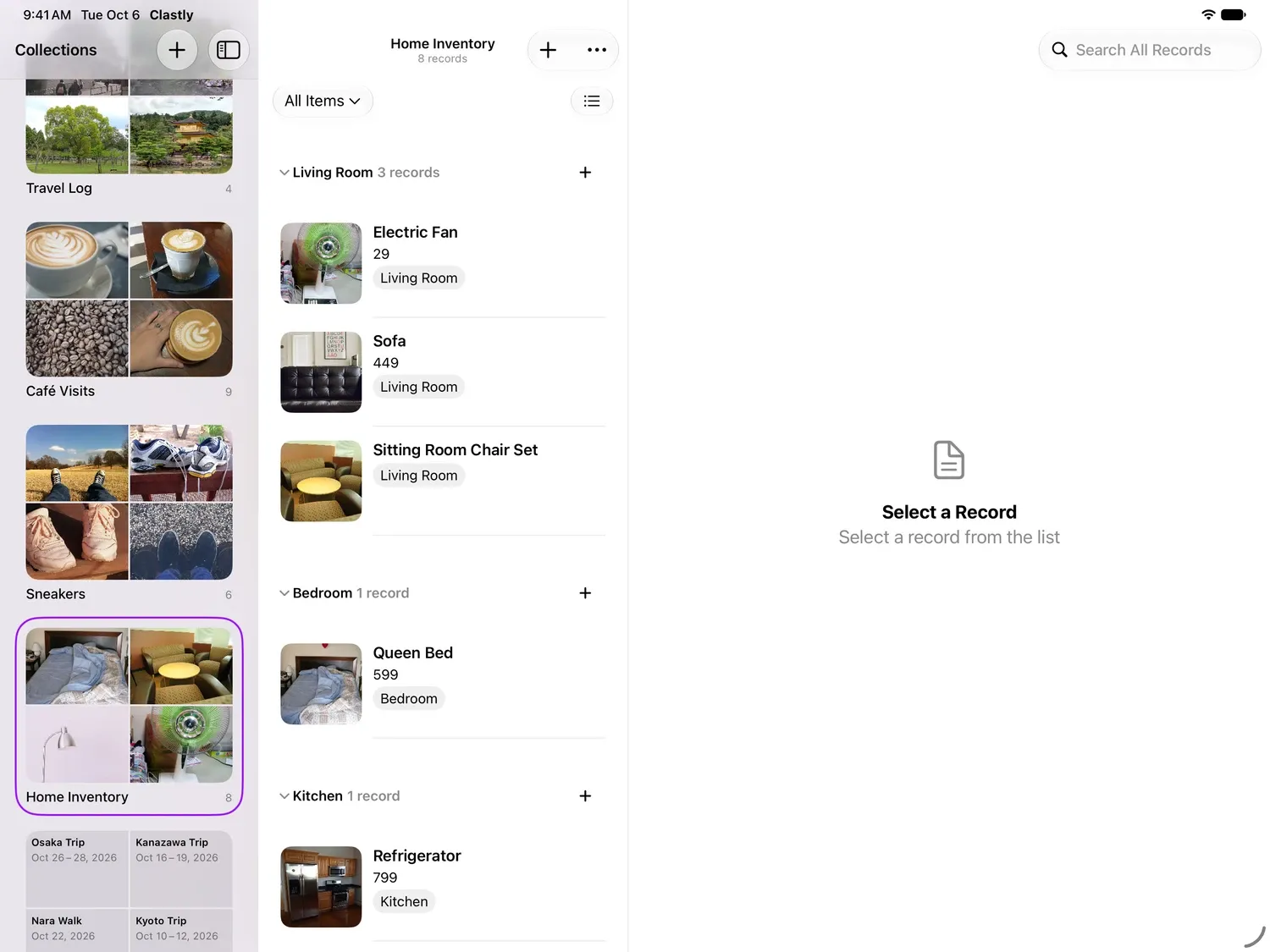
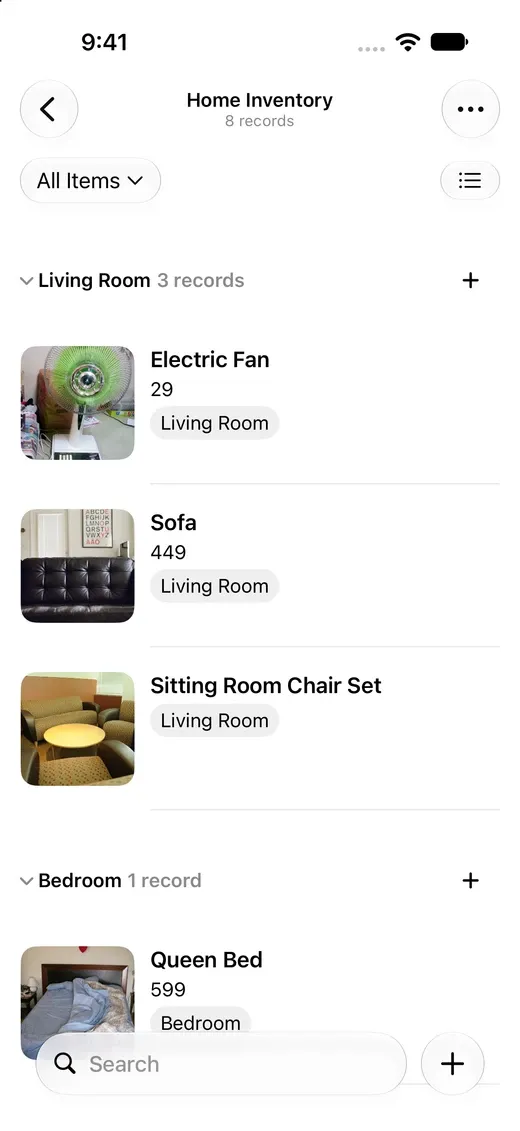
List
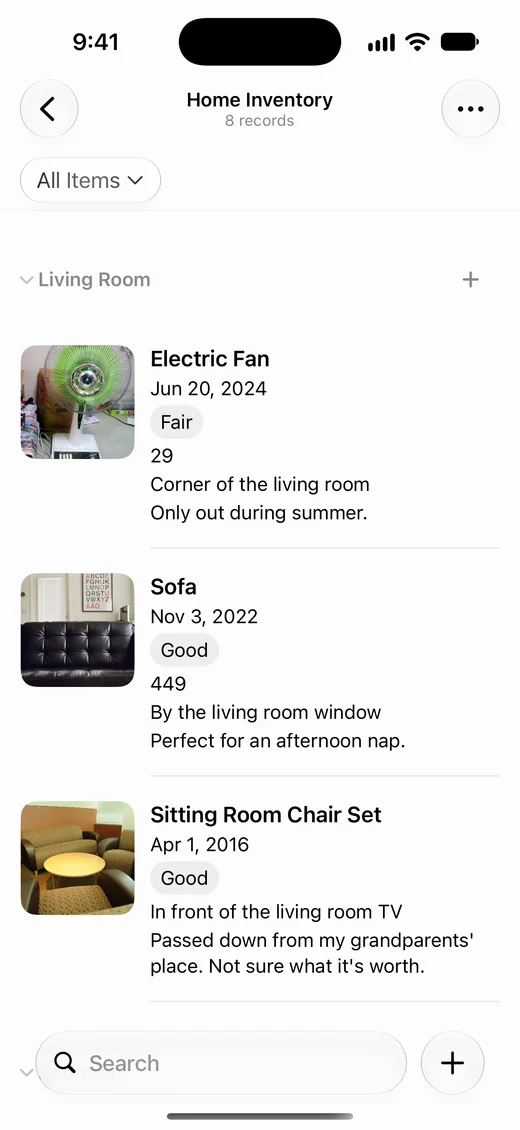
Read names and selected fields in a vertical list. Group records by room, category, or status.
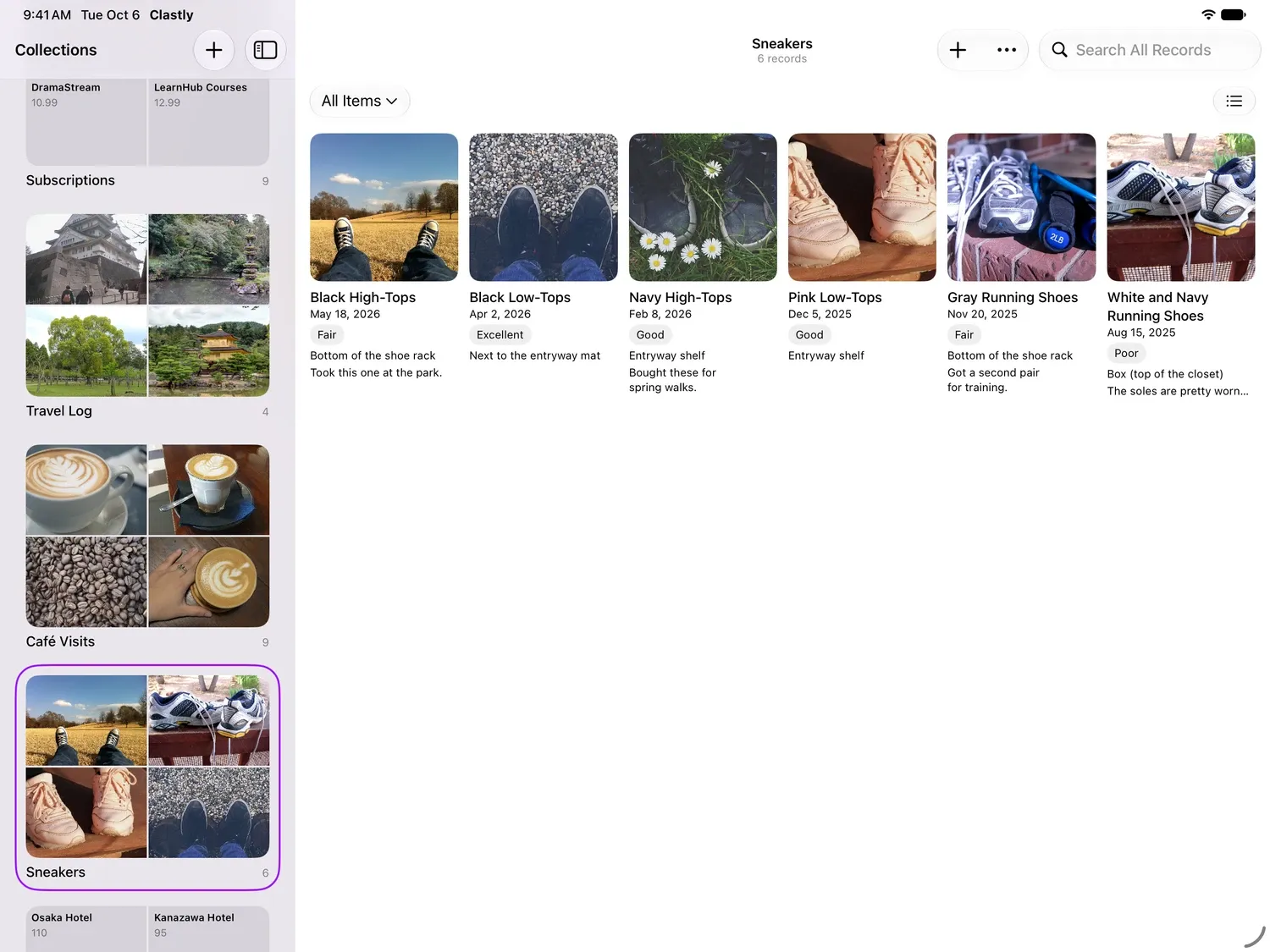
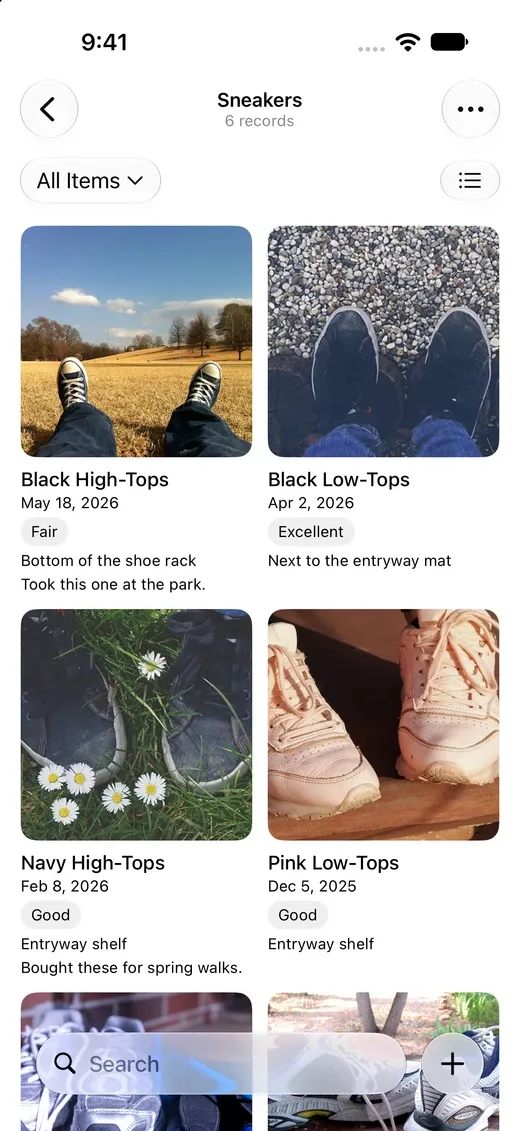
Gallery
Browse photos on cards of the same size, with names and the fields you choose.
Masonry
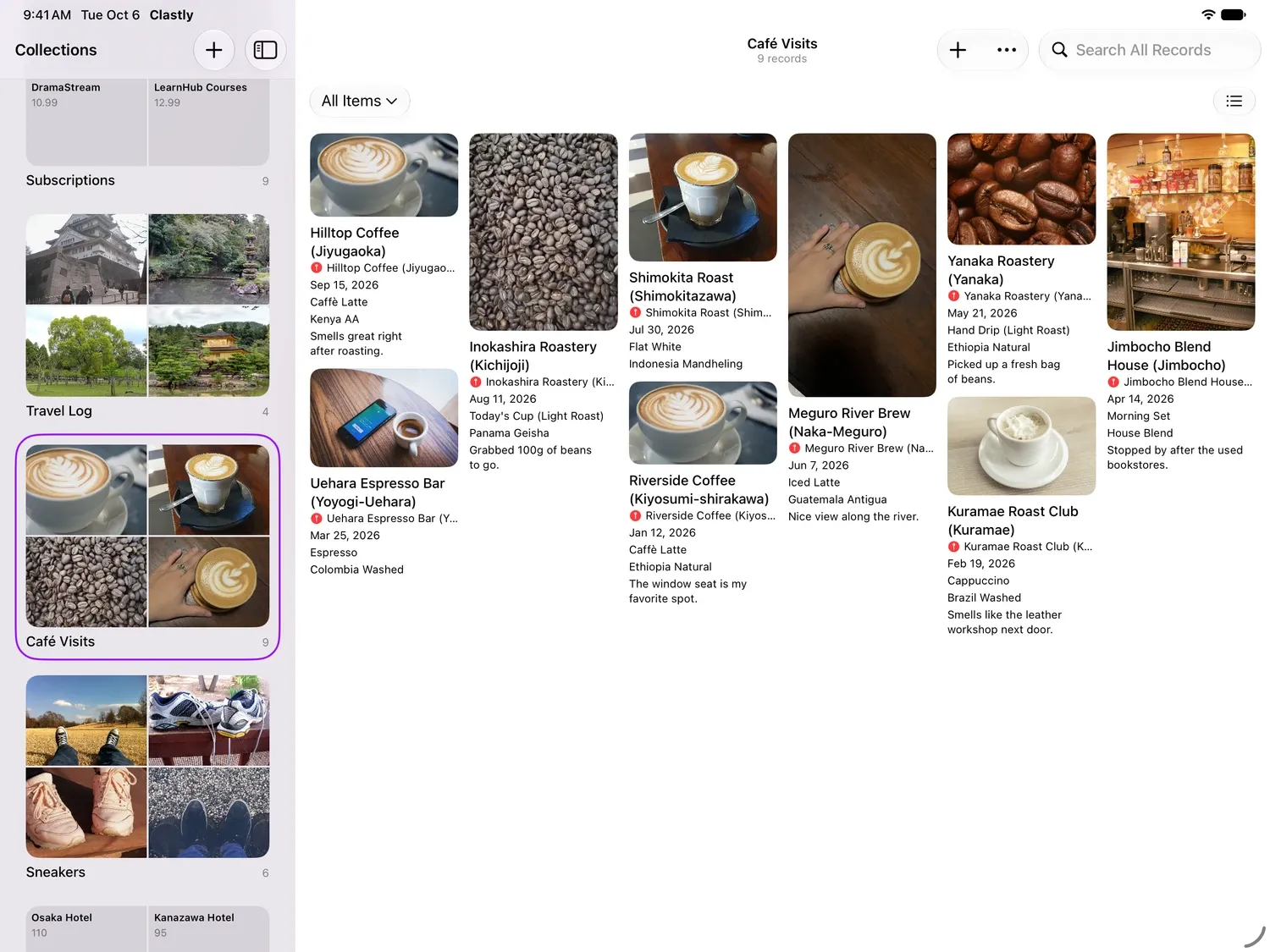
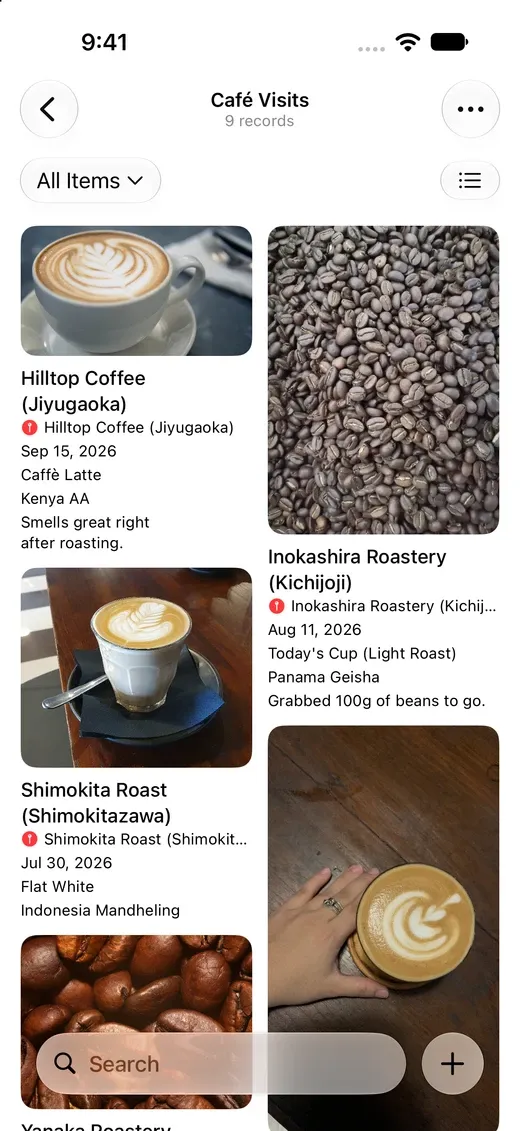
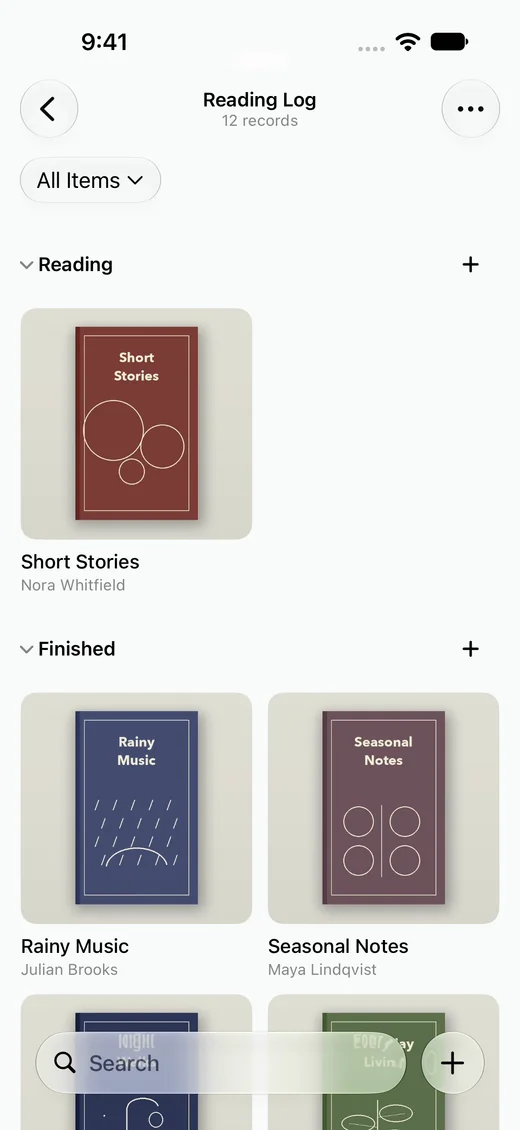
Keep each photo’s proportions. Browse wine labels, book covers, and travel photos together.
Board
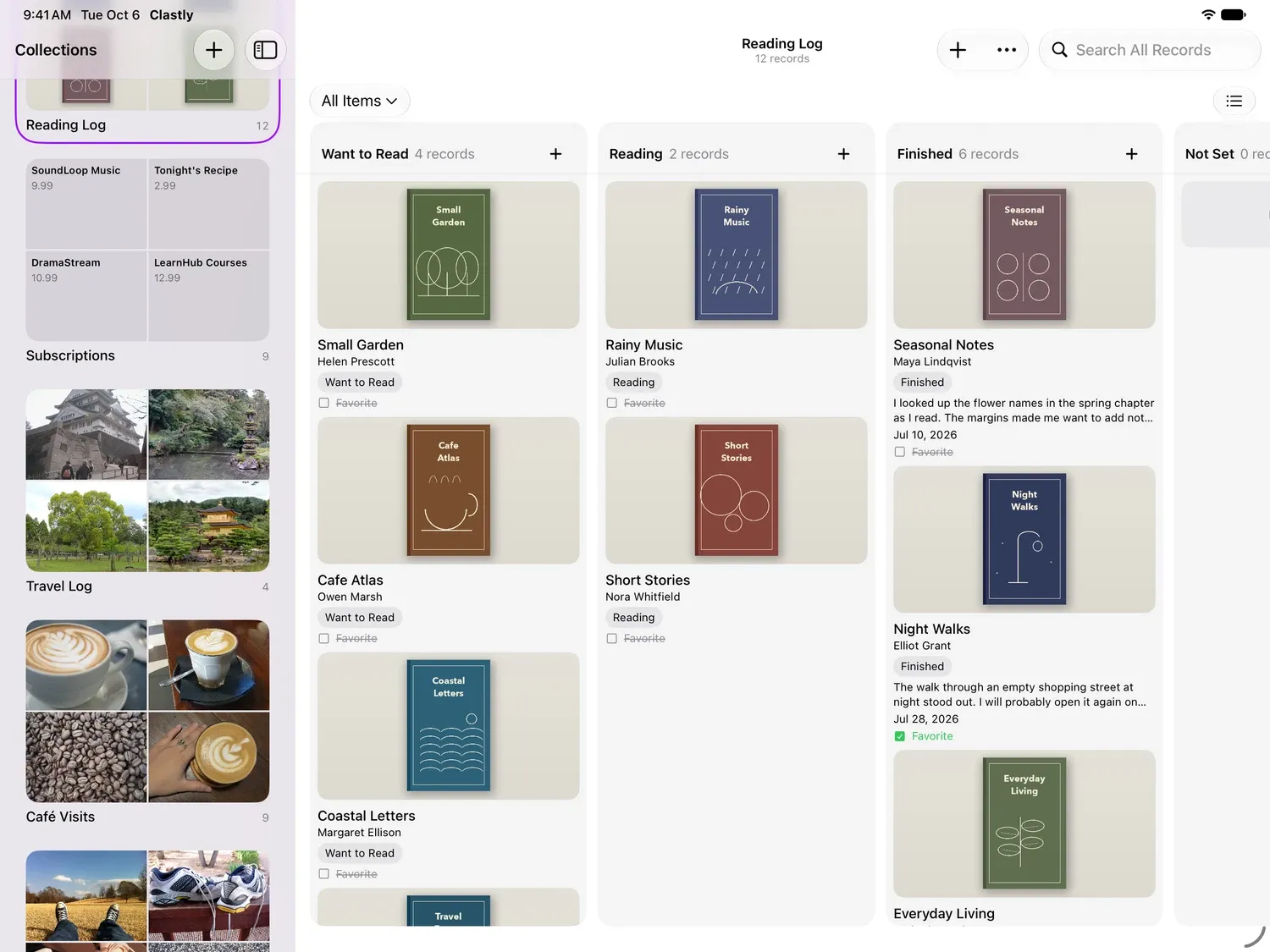
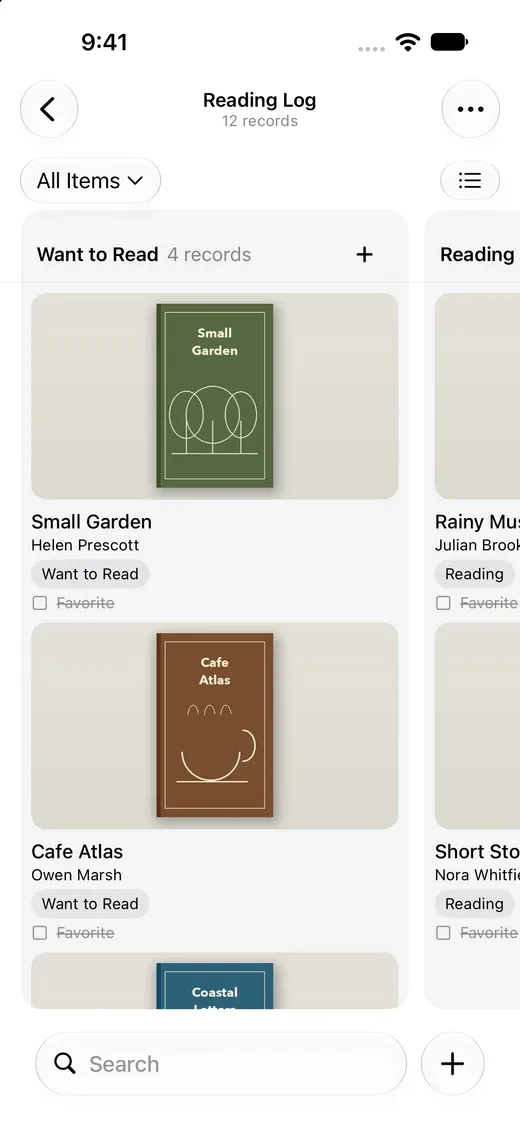
Make a column for each single select, checkbox, or date value. Drag a card between columns to change its value.
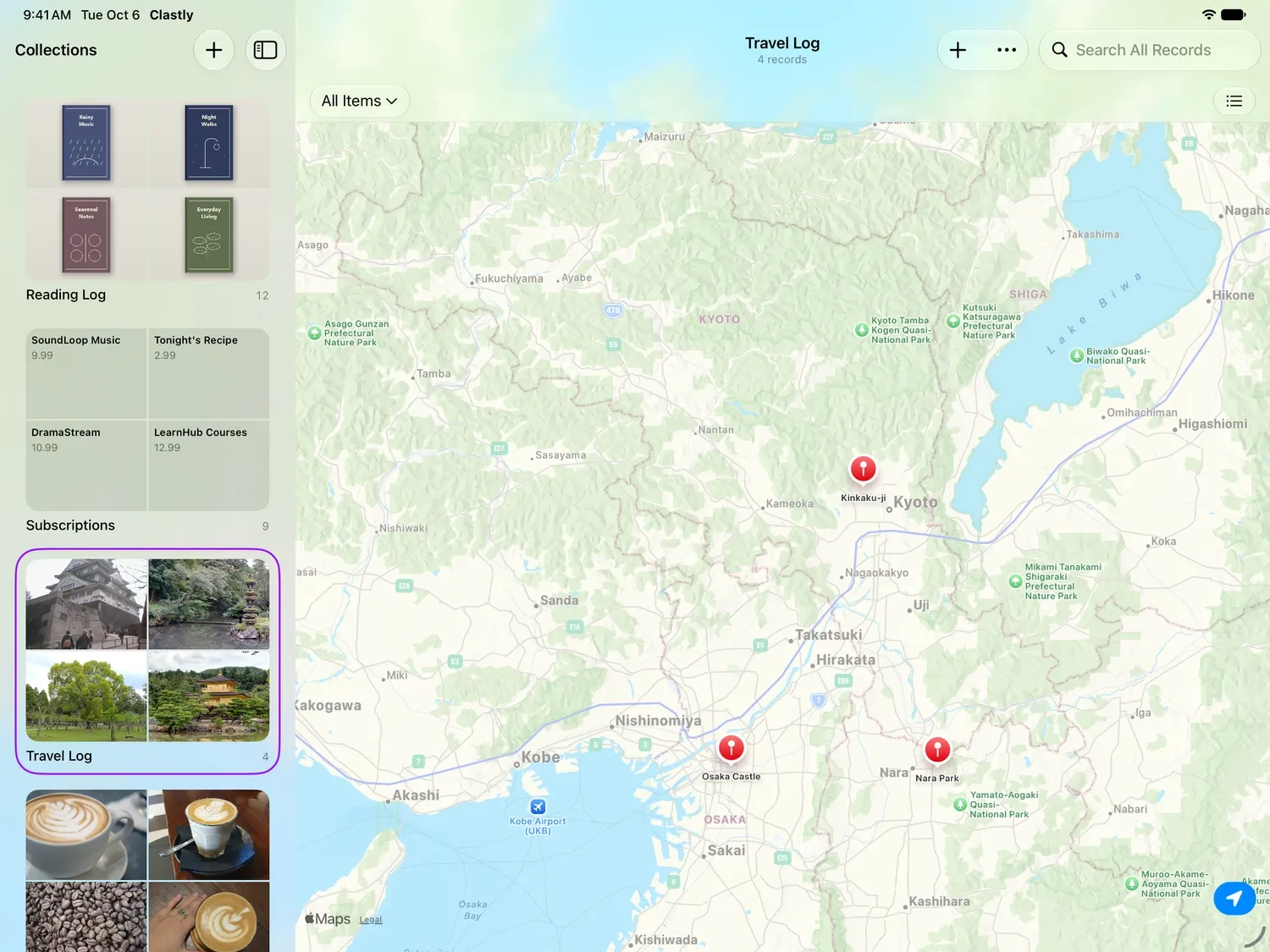
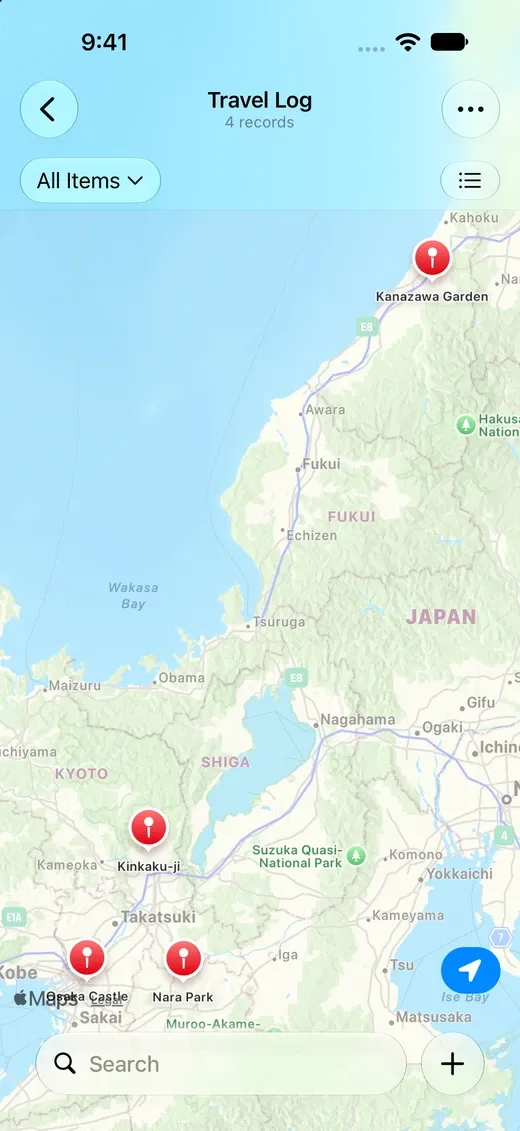
Map
See records as pins at the locations in their place field. Tap a pin to open the record.
Split a list into groups
Group records by a single select, checkbox, date, created time, or last edited time field. You can reorder groups and collapse them. Use it for items by room, books by status, or subscriptions by category.
Uses
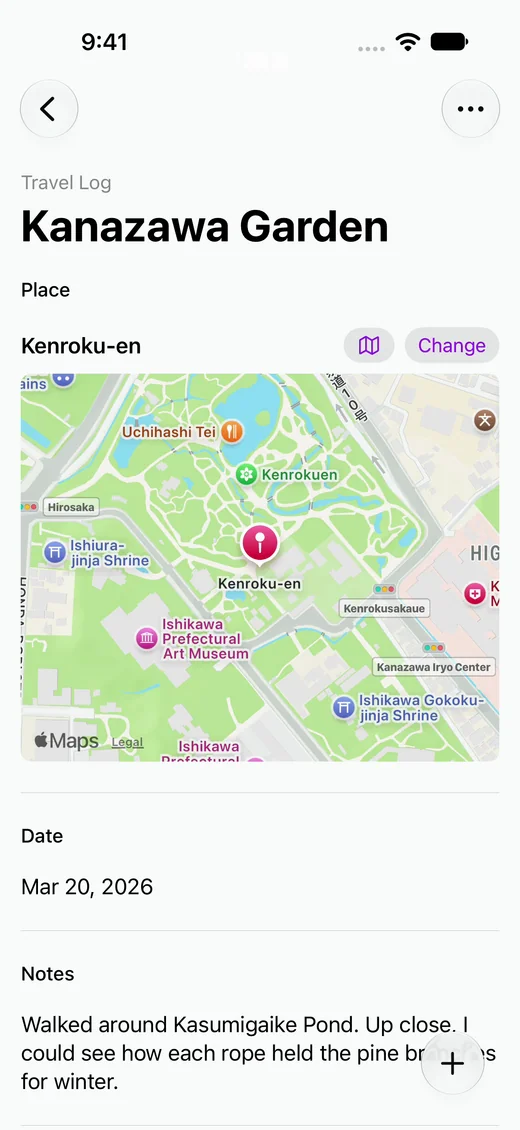
Travel
Save photos and dates with the places you visited, then see them on a map.
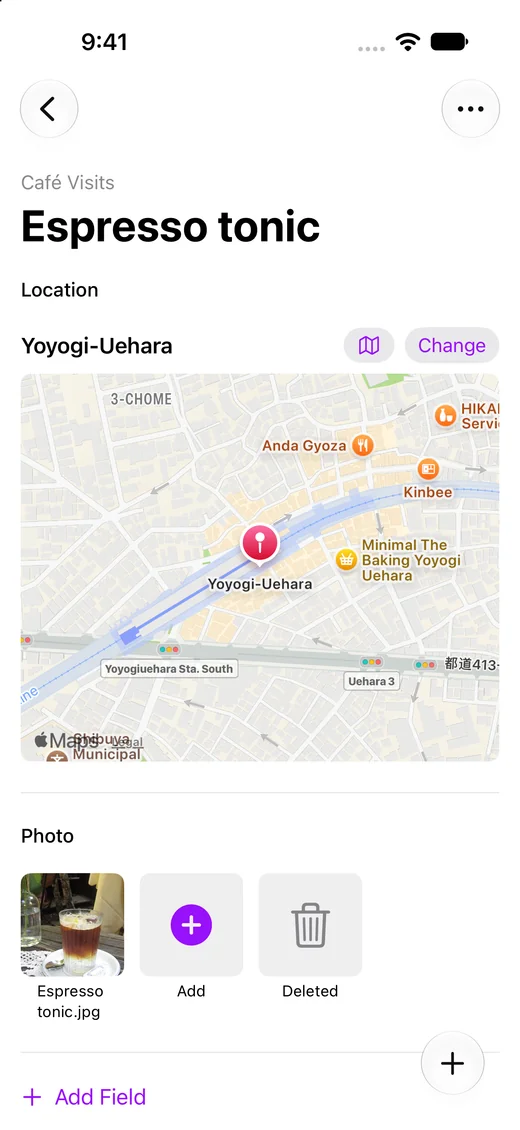
Cafés
Save a photo and location for each café visit, then browse your visits by photo or map.
Reading
Keep each book's cover with your review, and see your books by Want to Read, Reading, and Finished.
Home inventory
Keep appliances and furniture in one list with their photos, rooms, and purchase prices.
Frequently asked questions
- Do view settings sync to my other devices?
- Yes. Layout, grouping, sort, filter, and row contents sync through iCloud.
- What does a collection need to use Map?
- A place field. Search for a place or use your current location when you add a record.
- Can I choose the columns on a board?
- Yes. Add an option to a single select field, and a column for it appears.