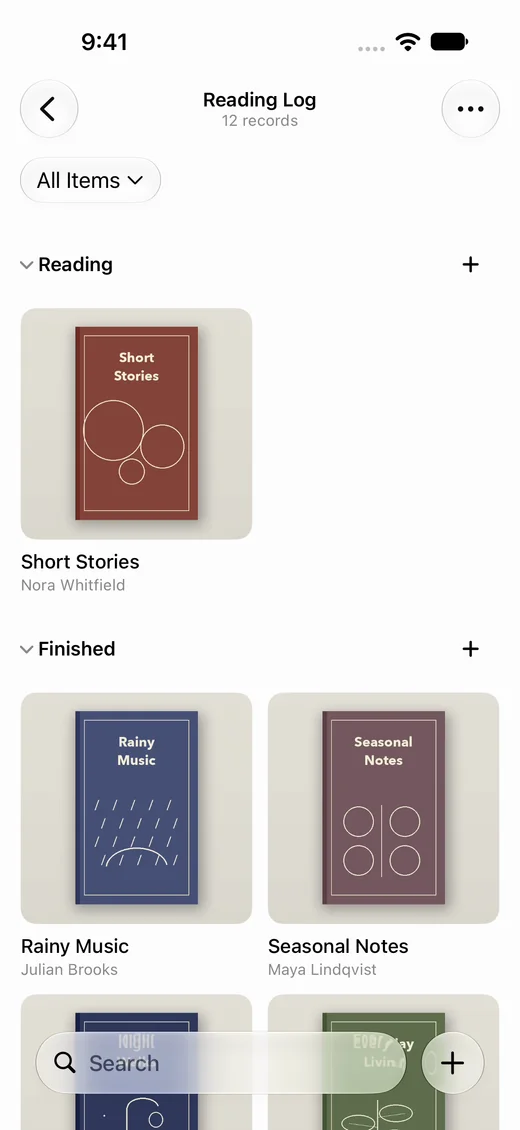
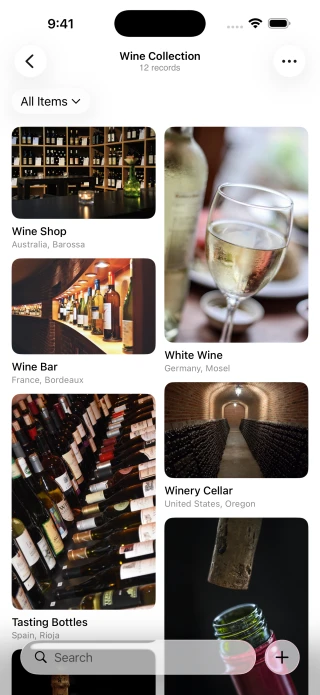
Keep your books, trips, and subscriptions in one app.
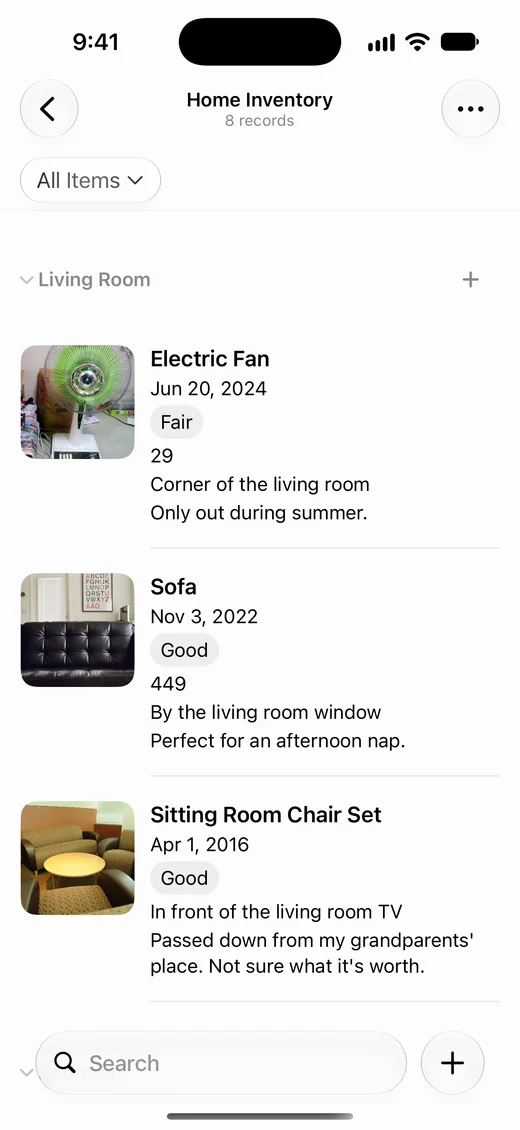
Create a separate list for each, with the photos, dates, places, and prices you need.
For iPhone, iPad, and Mac with Apple silicon · iOS 26 / iPadOS 26 / macOS 26 or later
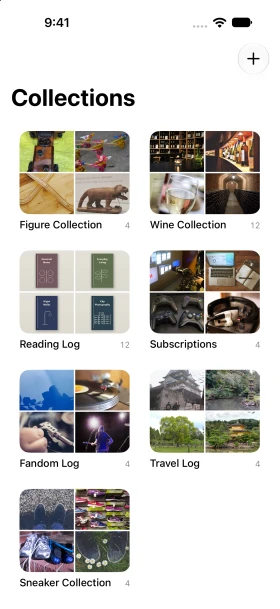
On your devices, with iCloud sync.
No account or ads.
Your records stay on your device and in your iCloud account.
From iPhone to iPad.
Add an item on iPhone; see it on iPad or Mac through iCloud.
Add and edit offline.
You can view and add records without internet access. New records sync when you're connected again.
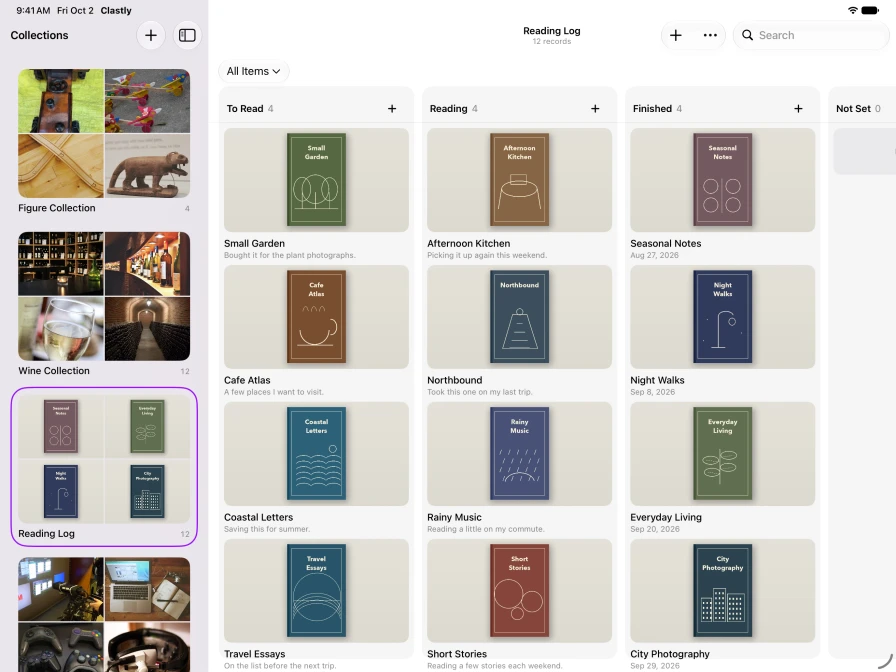
A place for every stage.
Line up books in columns such as Want to Read, Reading, and Finished.
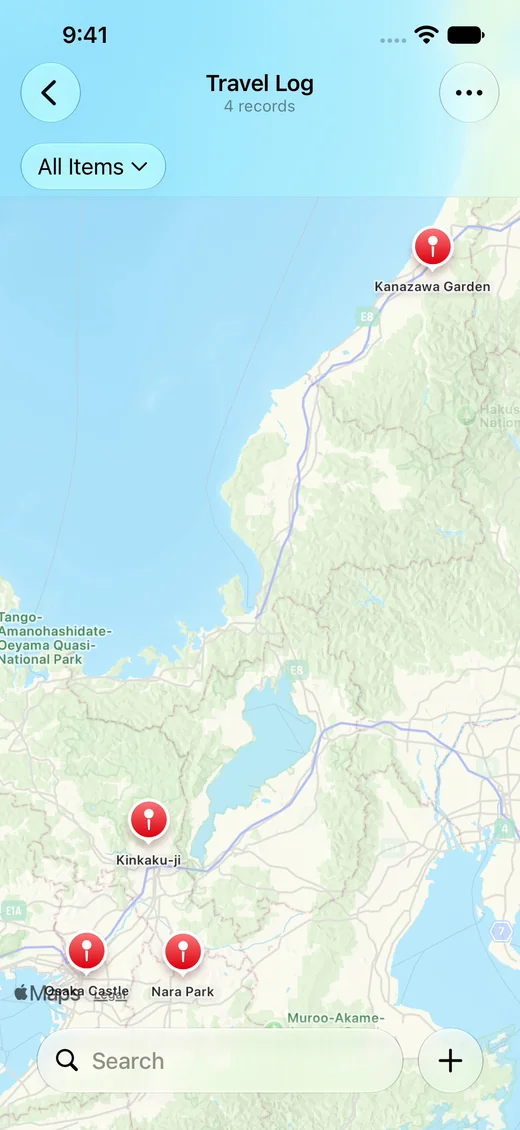
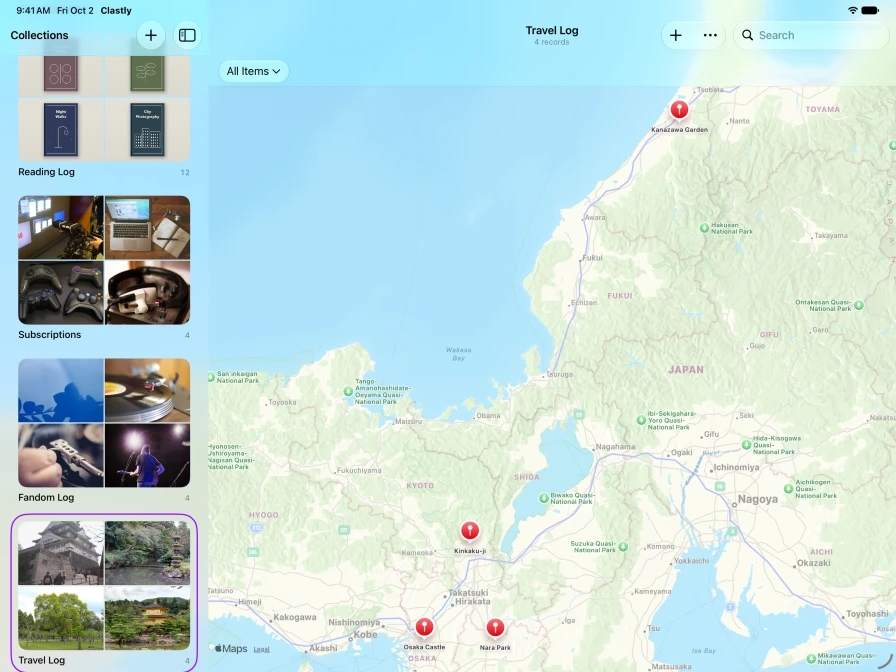
See your trips on a map.
Save the places you’ve visited with photos, and they appear as pins on a map.
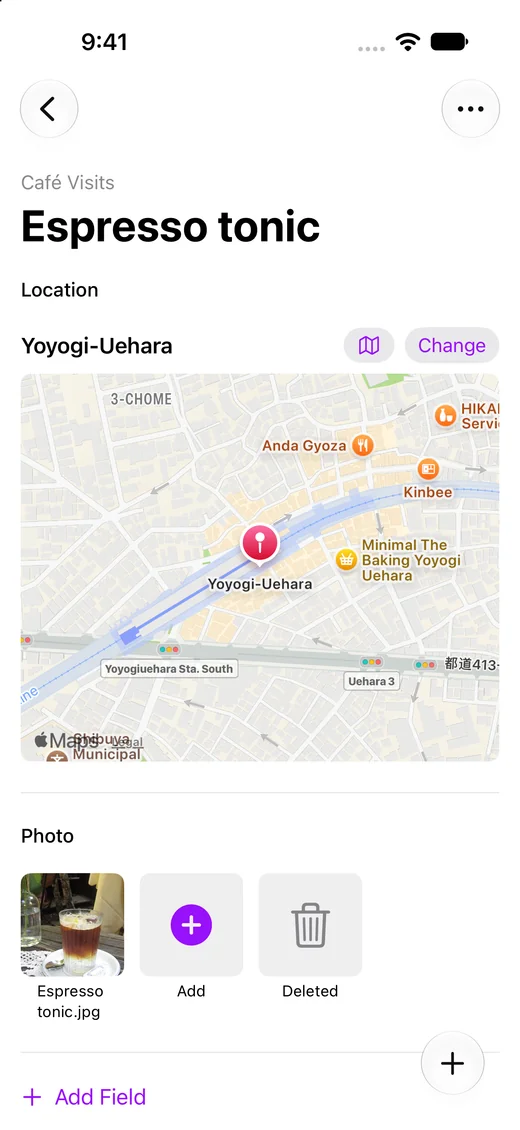
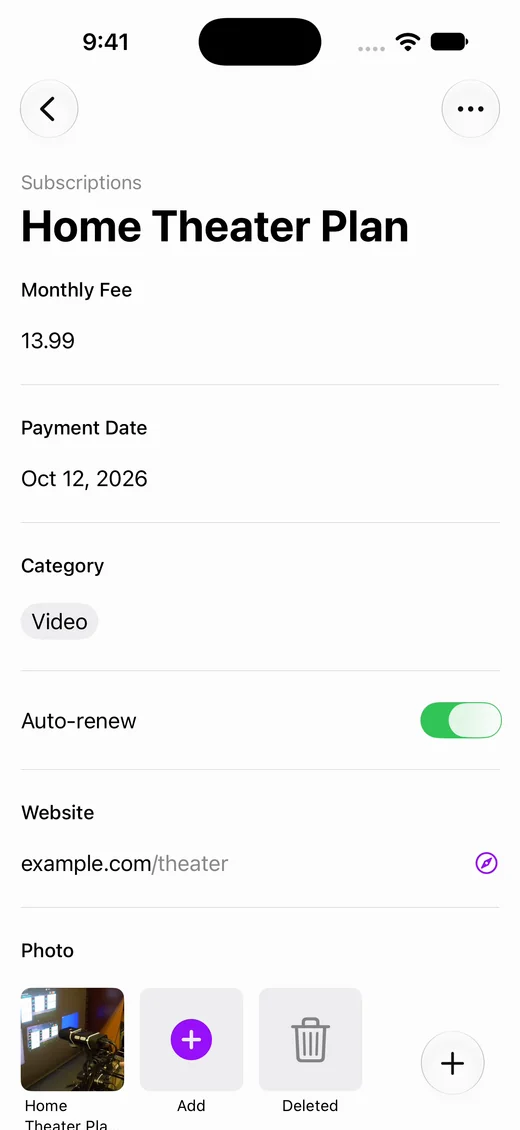
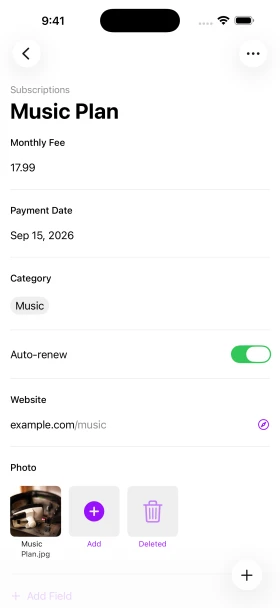
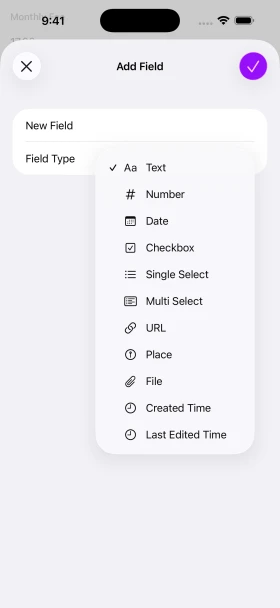
Keep the details that matter for each collection.
Keep a wine label with its region and vintage, or a pair of sneakers with its size and purchase date. Each collection can have its own fields.
Save to Clastly from your Home Screen and other apps.
Widgets
Tap a widget on your Home Screen or Lock Screen to open a new entry right away.
Control Center
Open a new entry from a button in Control Center.
Share button
Save a page in Safari, a place in Maps, or a photo in Photos to Clastly with the Share button.
Shortcuts
Save to Clastly from the Shortcuts app.
Frequently asked questions
- How do I sync between devices?
- Sign in to iCloud on each device. You don't need a separate Clastly account.
- Where is my data stored?
- On your device and in your own iCloud account. It isn’t stored on the developer’s servers.
- Which devices can I use?
- Clastly runs on iPhone with iOS 26 or later, iPad with iPadOS 26 or later, and Mac with Apple silicon and macOS 26 or later.
- Does Clastly work offline?
- Yes. You can save and edit offline. Syncing and loading maps need an internet connection.