Fields
Add the fields each collection needs
There are 11 field types: Text, Number, Date, Checkbox, Single Select, Multi Select, URL, Place, File, Created Time, and Last Edited Time.
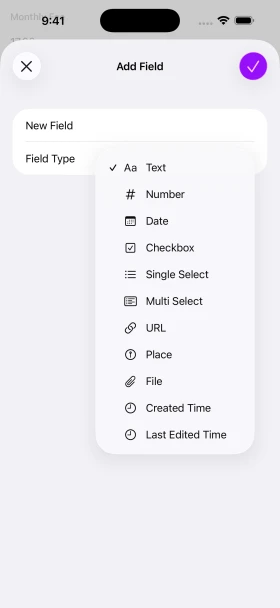
Choose a field for each detail
Prices, dates, photos, and places. Combine the details your records need.
-
Text

Names, notes, and reviews.
-
Number

Prices and quantities.
-
Date
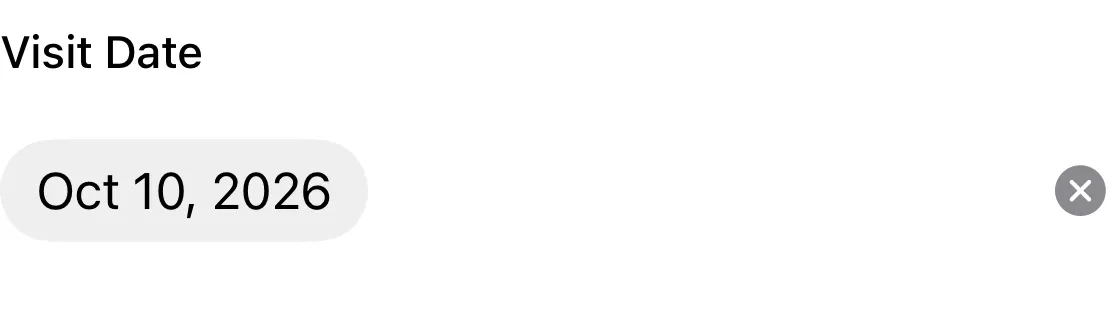
Dates, with optional times.
-
Checkbox

Yes or no, finished or unfinished.
-
Single Select

Choose one status or category.
-
Multi Select

Choose several tags.
-
URL

Keep a link you can open later.
-
Place

Save a location and show it on a map.
-
File

Photos, videos, scans, and other files.
-
Created Time

When the record was created, recorded automatically.
-
Last Edited Time

When the record last changed, updated automatically.
Save a location with a place field
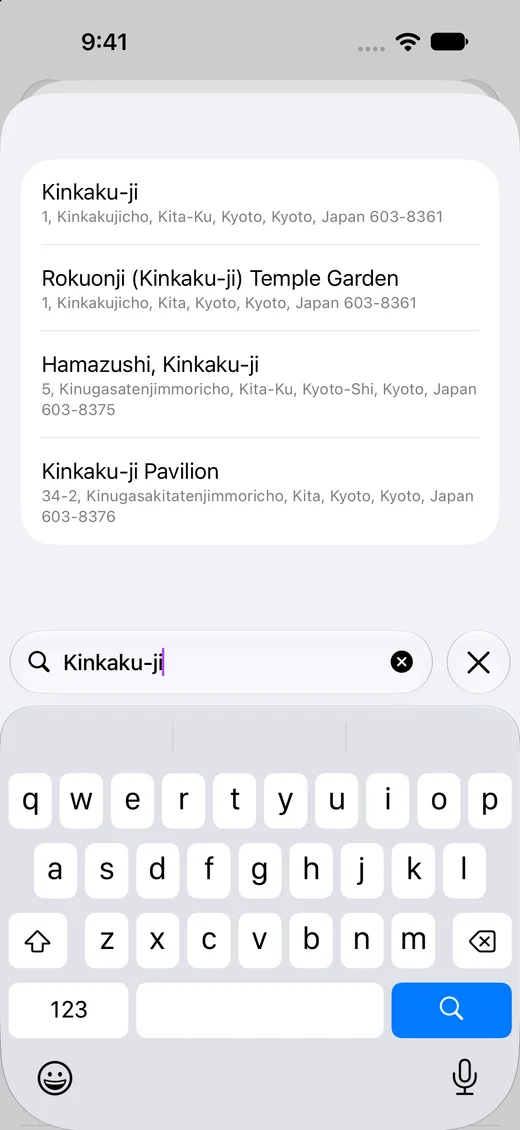
Search for a place by name or address, or use your current location. The record shows a map, and you can open the place in Maps.
Attach photos and PDFs with a file field
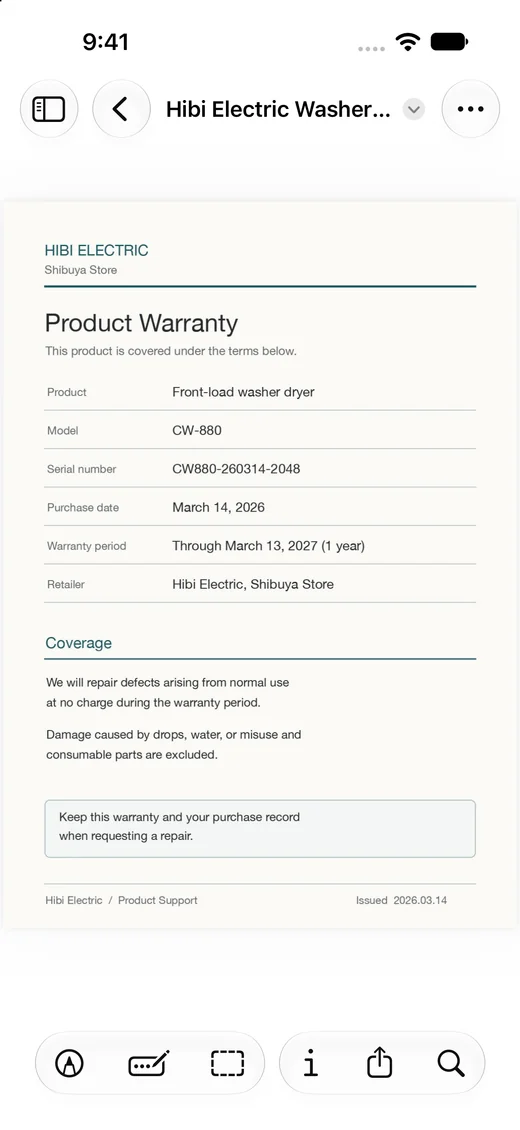
Attach several photos, videos, PDFs, or other files to one field. You can also take a photo or scan a document into a PDF.
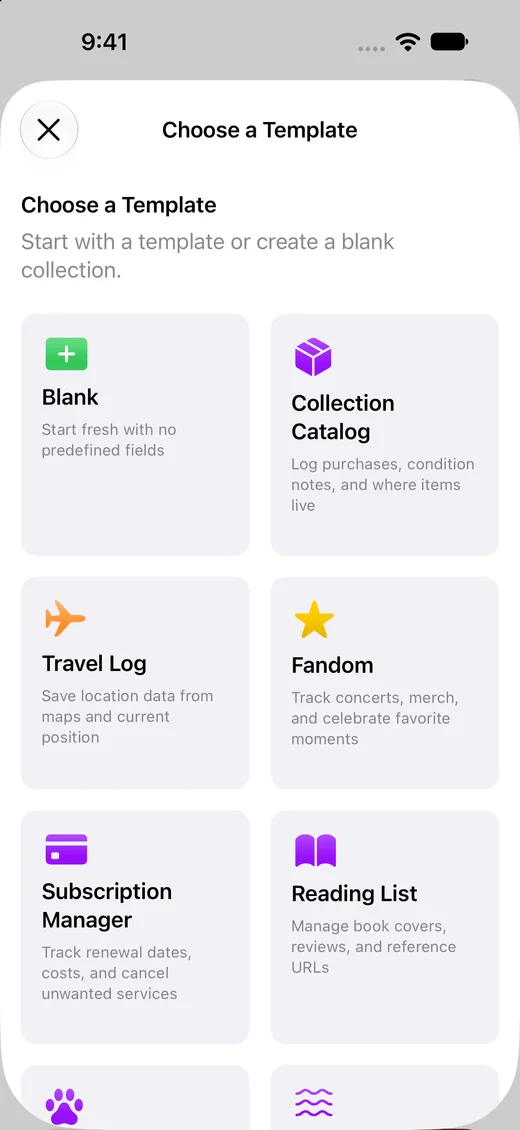
Start from a template
Nine templates, including Travel Log, Reading List, and Subscription Manager, come with common fields. You can also start blank, and add, reorder, or archive fields later.
Uses
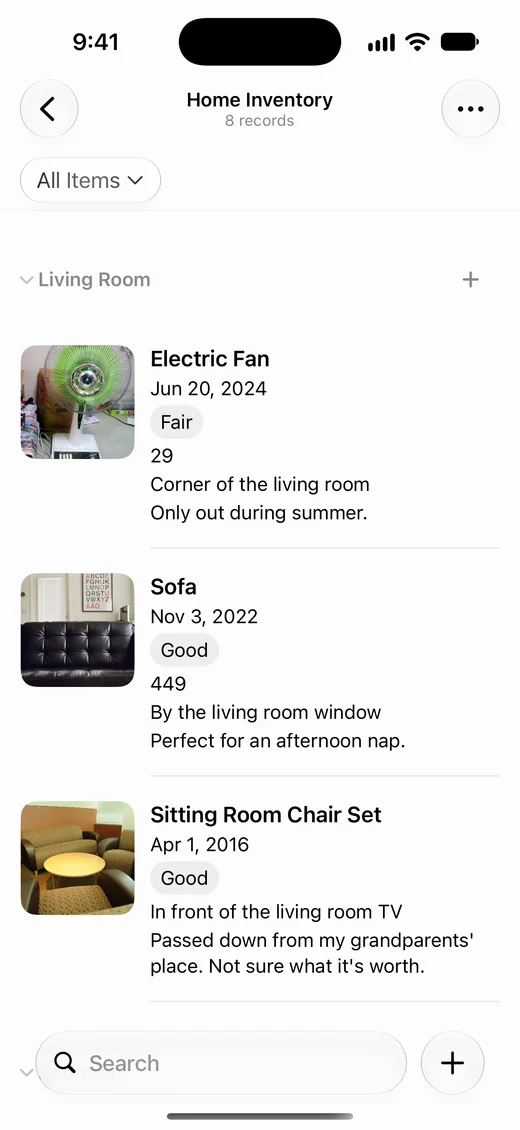
Home inventory
Keep appliances and furniture in one list with their photos, rooms, and purchase prices.
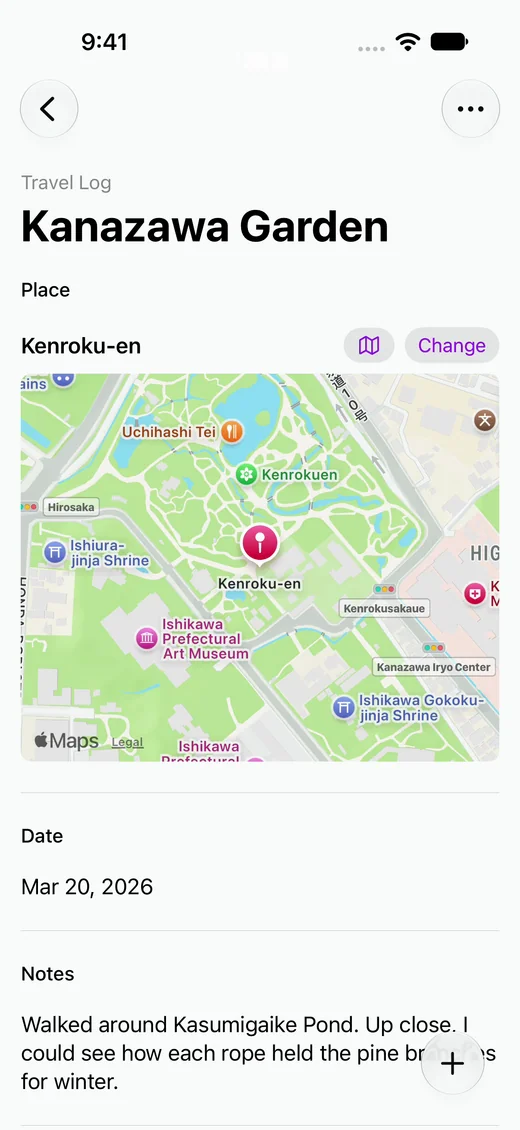
Travel
Save photos and dates with the places you visited, then see them on a map.
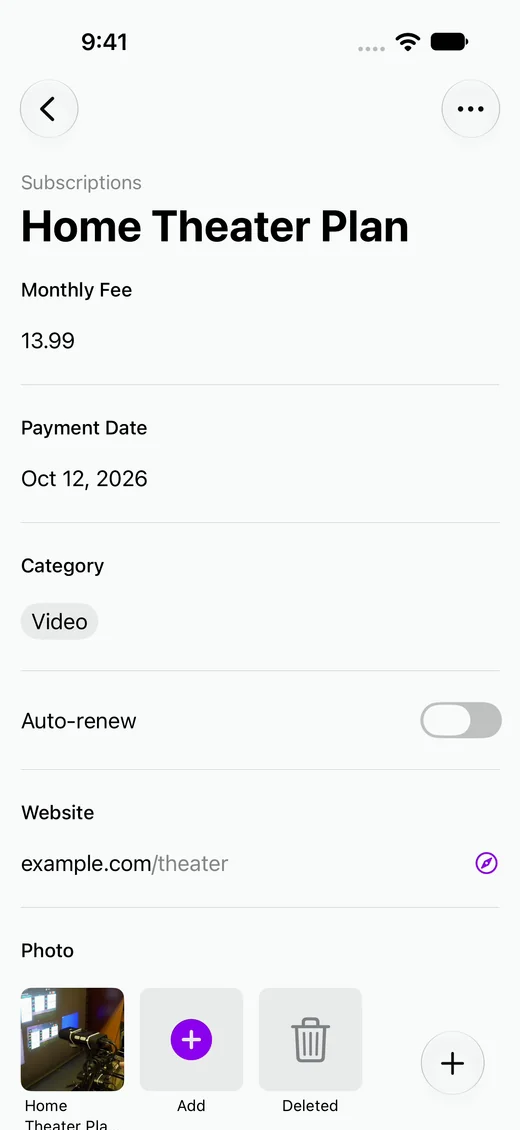
Subscriptions
See what you pay for, how much it costs, and when it renews in one list.
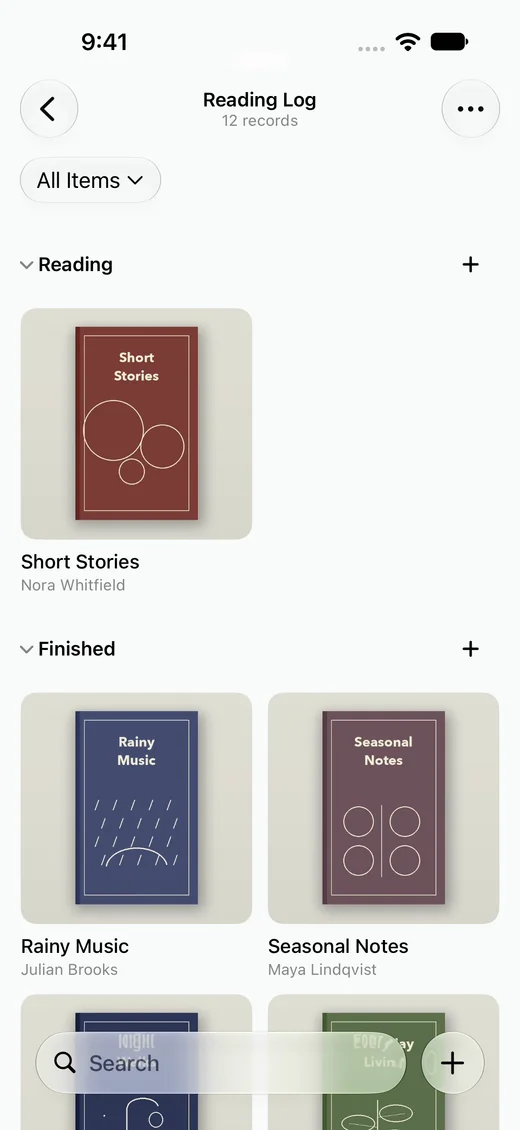
Reading
Keep each book's cover with your review, and see your books by Want to Read, Reading, and Finished.
Frequently asked questions
- Can I add fields after I start?
- Yes. You can add, rename, and reorder fields at any time.
- Can I change a field’s type later?
- Yes. Values you already entered may look different after the change.
- What happens to values when I archive a field?
- The field is hidden, and you can restore it with its values later.