Search & Filter
Show only the records you need with search and filters
Search by a word, or filter number, date, checkbox, and other fields by conditions.
Search inside a collection
Search finds words in record names and in text, URL, and place fields. Find a book by its author or a café by its neighborhood.
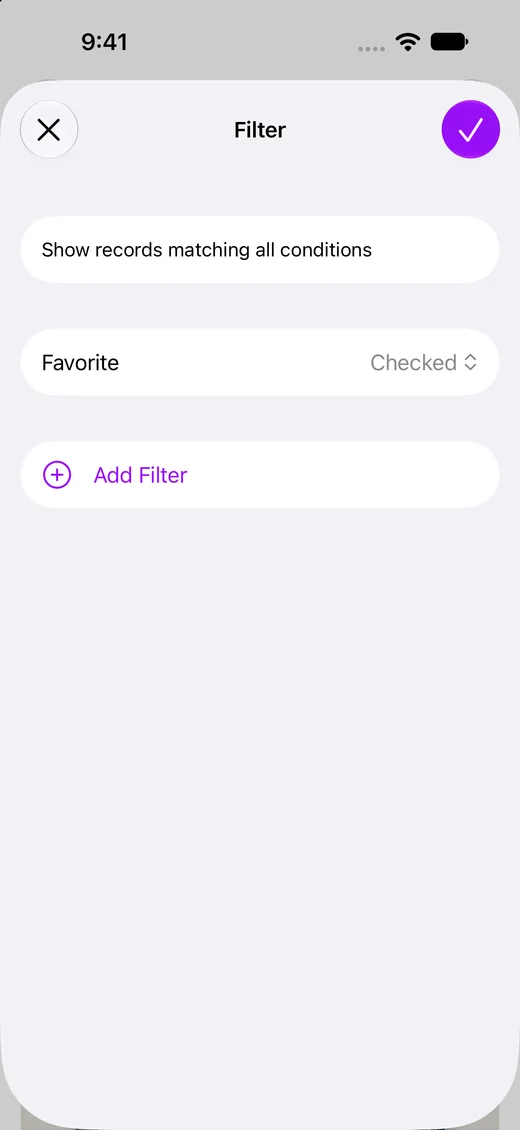
Filter by a checkbox
Show only the records with a checkbox on or off, such as favorites, purchased items, or canceled subscriptions.
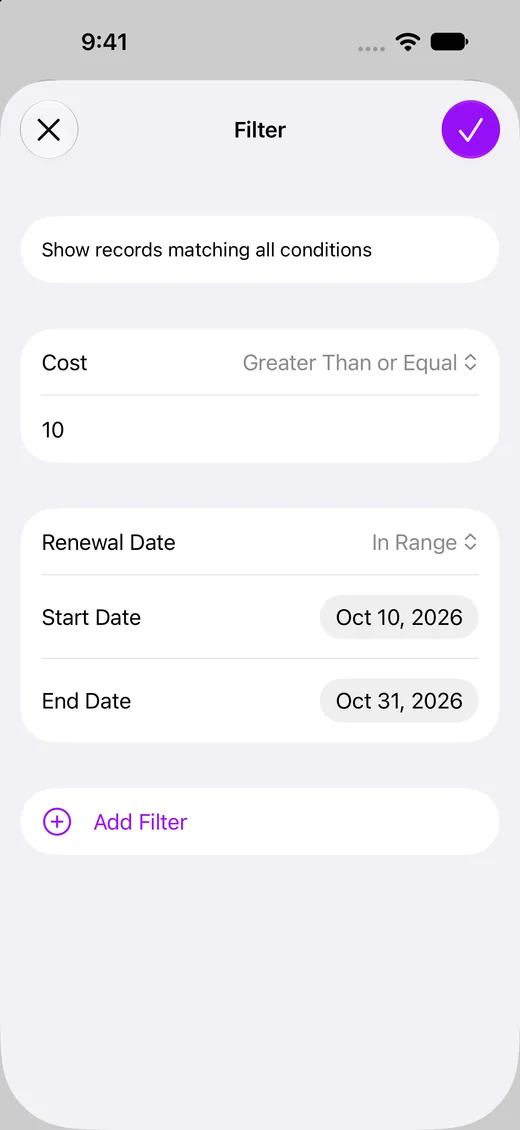
Filter with conditions for each field type
Numbers have conditions such as Greater Than or Equal, and dates have conditions such as On or Before and In Range. When you add several conditions, only records that match all of them appear.
Uses
Frequently asked questions
- Does Clastly keep my filter?
- Yes. Each collection keeps its filter, and it syncs to your other devices through iCloud.
- Can I show only records with a photo or file?
- Yes. Filter a file field with the Is Not Empty condition.
- Can I sort records?
- Yes. Sort by name, created time, or any field, in ascending or descending order.