Widgets & Controls
See and add records from your Home Screen
Clastly has widgets for the Home Screen and Lock Screen, and a control for Control Center.
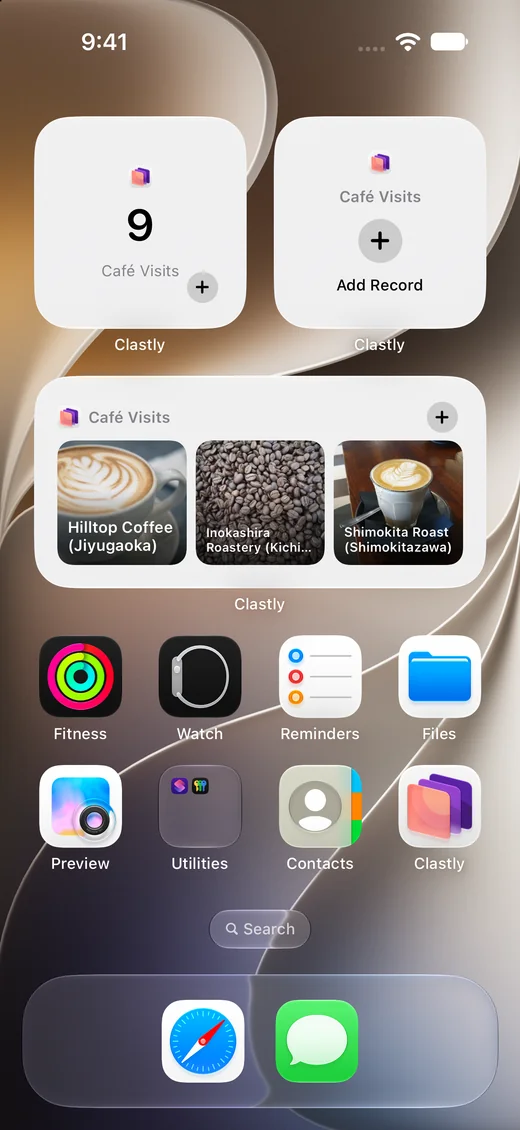
Show recent records on your Home Screen
The Recent Records widget shows a collection’s recently updated records as a List or as Thumbnails, in small, medium, or large. The Record Count widget shows how many records a collection has.
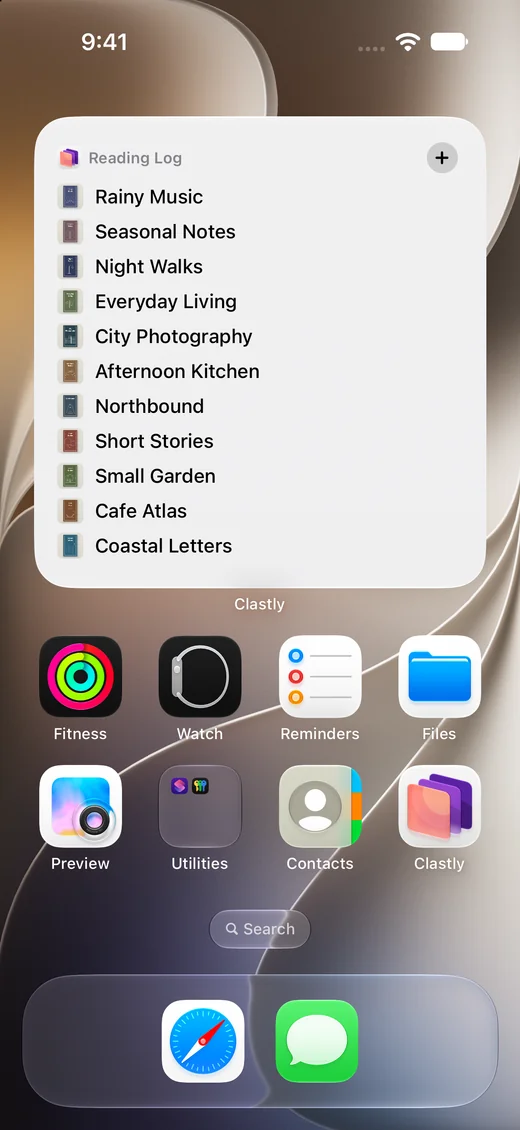
Add a record with the Quick Add widget
Tap the Quick Add widget to open a new record in the collection you chose.
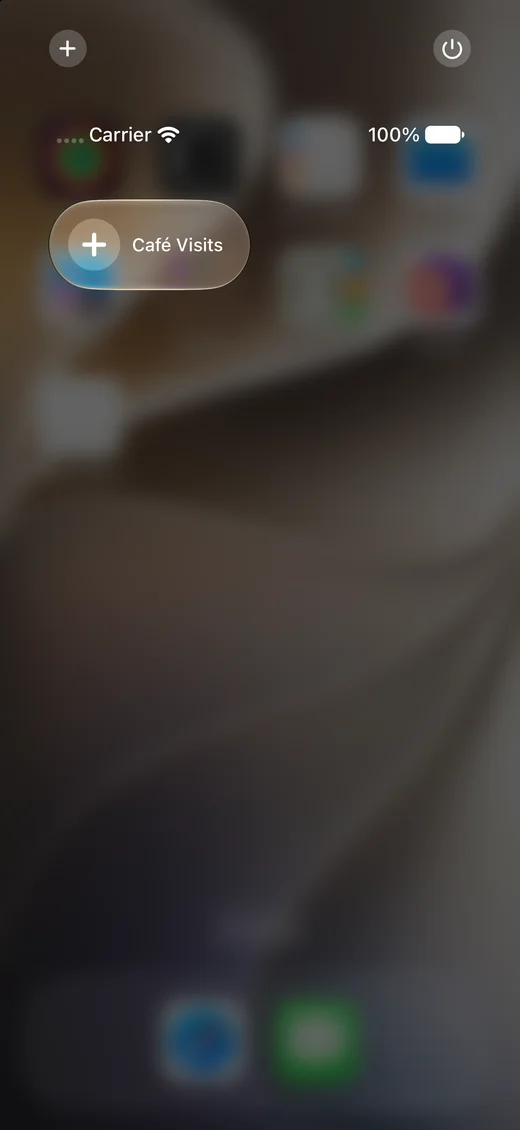
Add from Control Center
Put the Quick Add control in Control Center to open a new record from any screen.
Frequently asked questions
- Which widgets are there?
- Recent Records, Record Count, and Quick Add for the Home Screen, plus Quick Add and Open Collection for the Lock Screen.
- How do I choose the collection a widget shows?
- Touch and hold the widget, choose Edit Widget, and pick a collection.
- Can I add records from the Recent Records widget?
- Yes. Turn on Show Add Button in the widget’s settings to put an add button on the widget.