Share Sheet
Add records from other apps with the share sheet
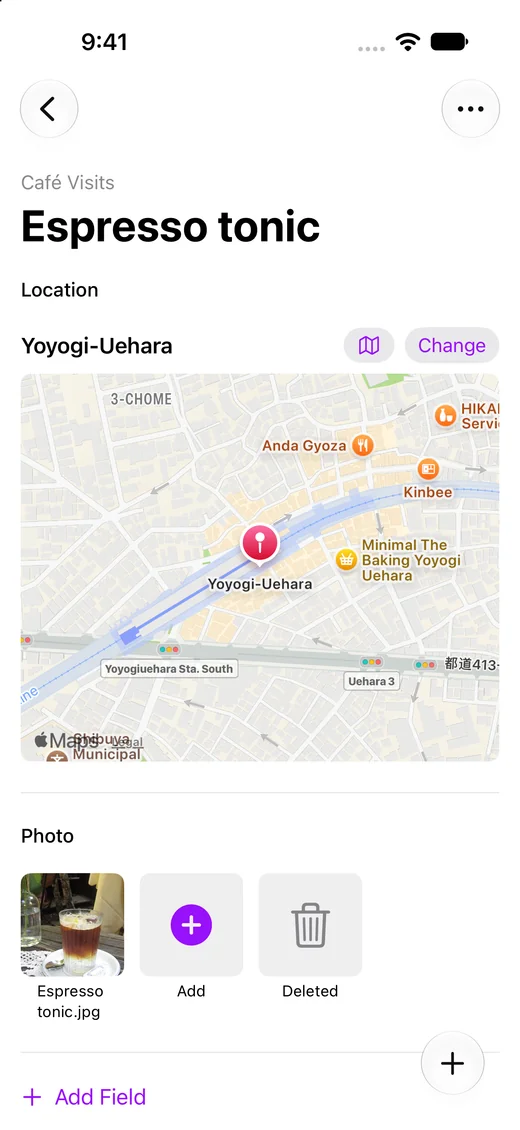
Share a page from Safari, a place from Maps, photos, files, or text, and choose the collection to add it to.
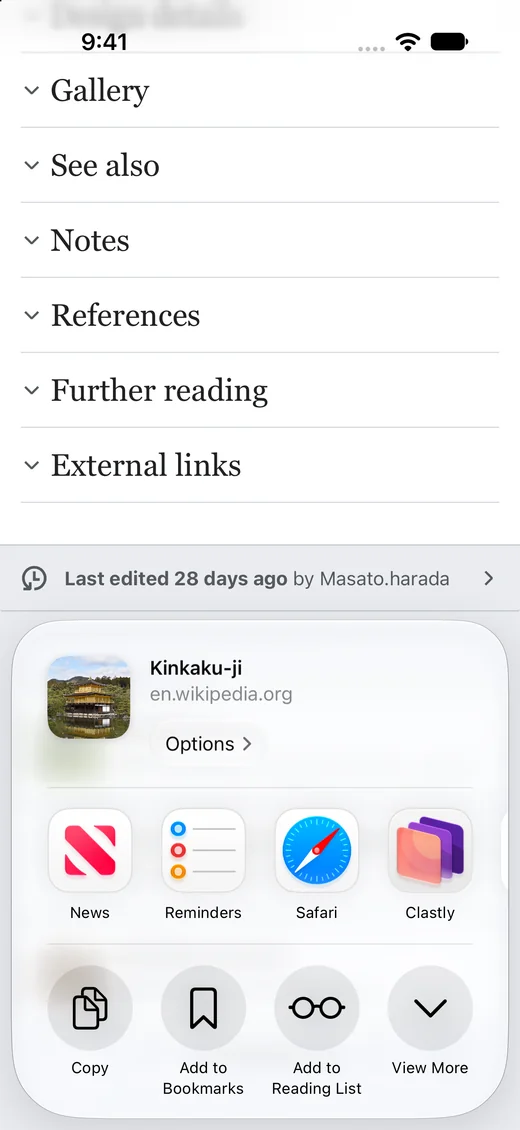
Add a page from Safari
Choose Clastly from Safari’s Share button to add a record titled with the page name. The URL goes into the record’s note.
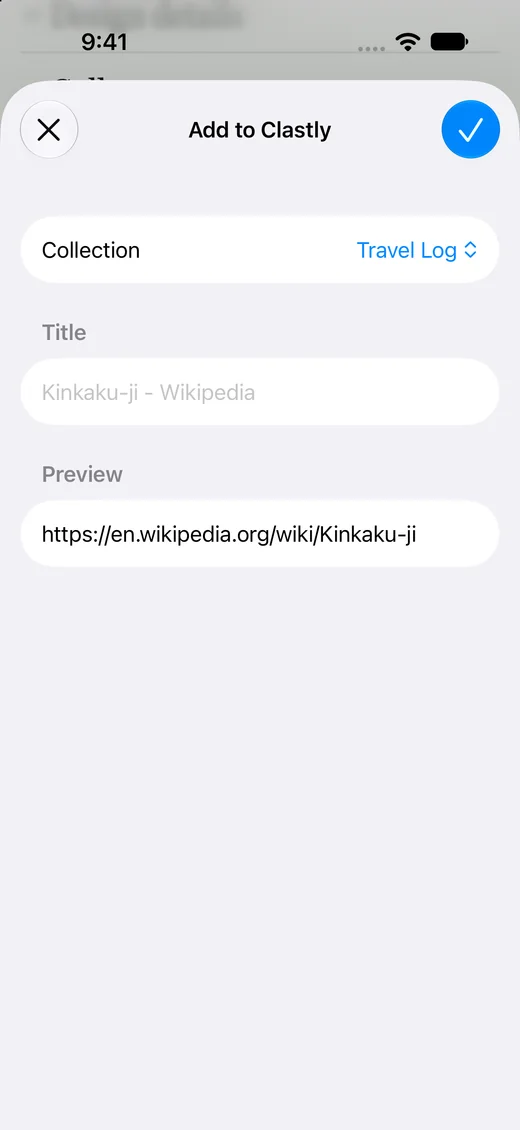
Add photos and files
Share photos from the Photos app or files such as PDFs to attach them to the record’s note.
Frequently asked questions
- What can I add with the share sheet?
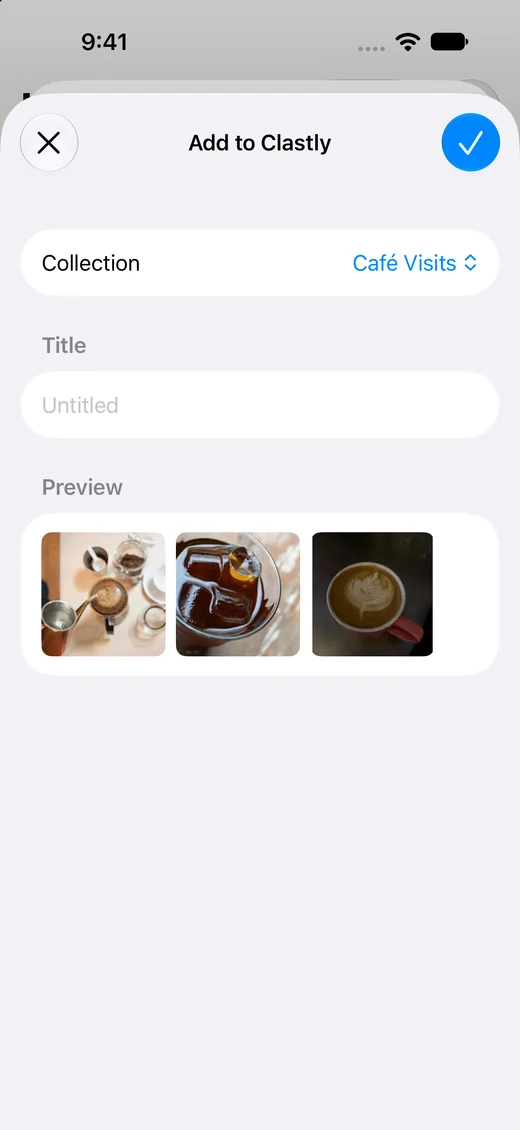
- Web pages, places from Maps, photos and videos, files, and text. You can send up to 10 photos or 5 files at once.
- When does a shared item appear in the collection?
- It’s added the next time you open Clastly.
- Which fields do shared items go into?
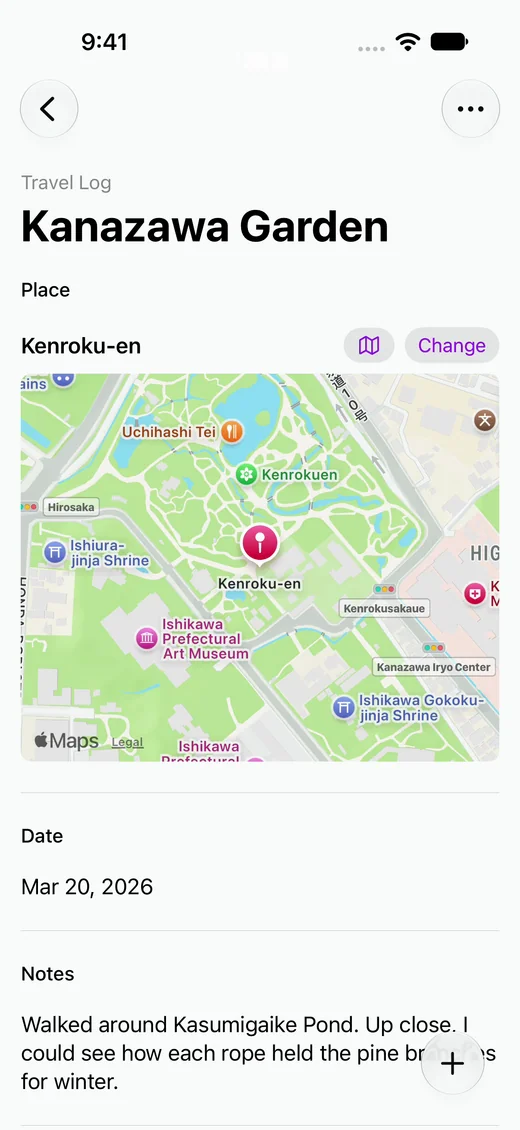
- Everything you share goes into the record’s note: text and links as text, and photos, files, and places from Maps as attachments.