iCloud Sync
Sync your collections across devices with iCloud
Use the same collections on iPhone, iPad, and Mac through your own iCloud. You don’t need a Clastly account.
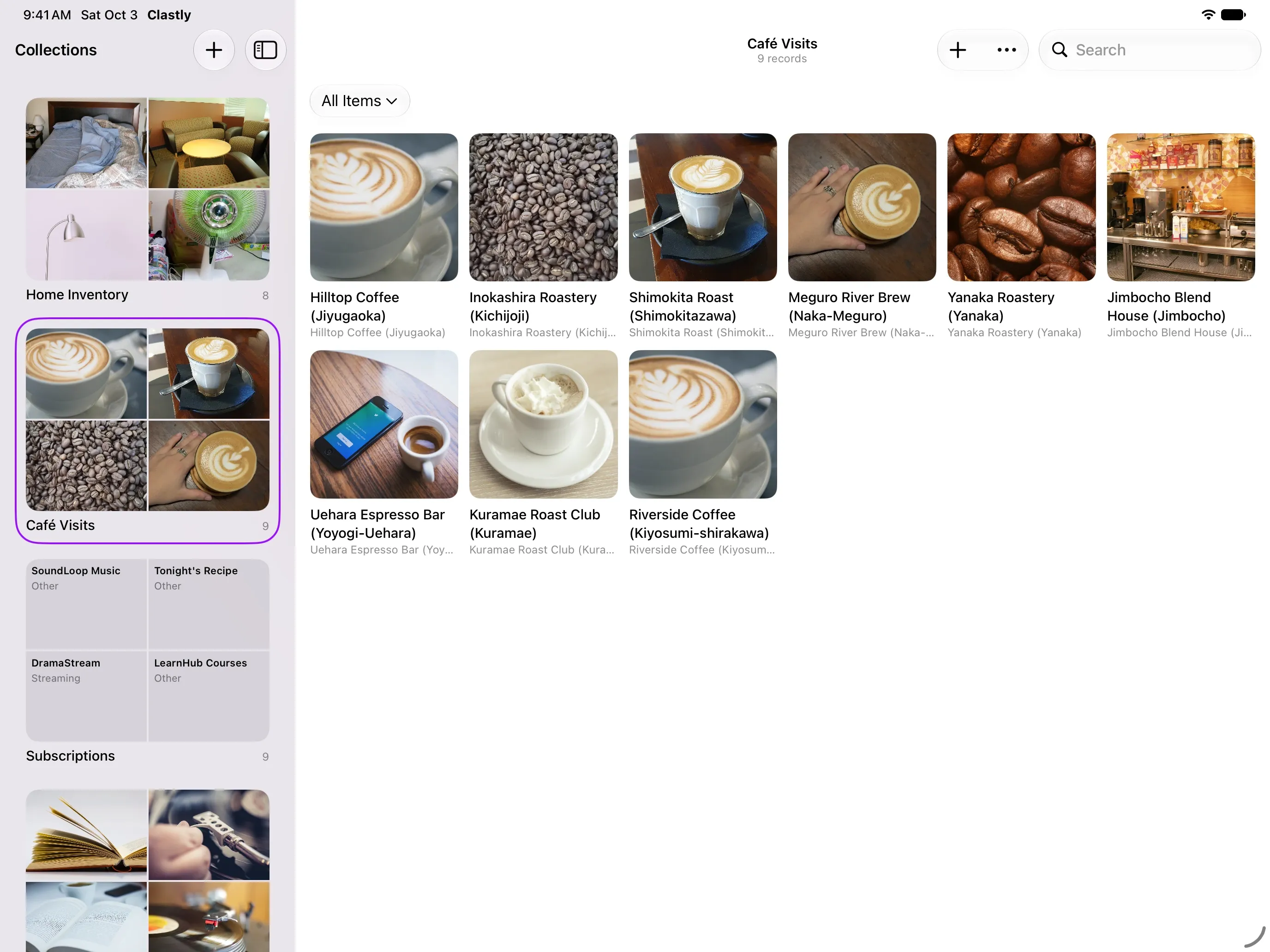
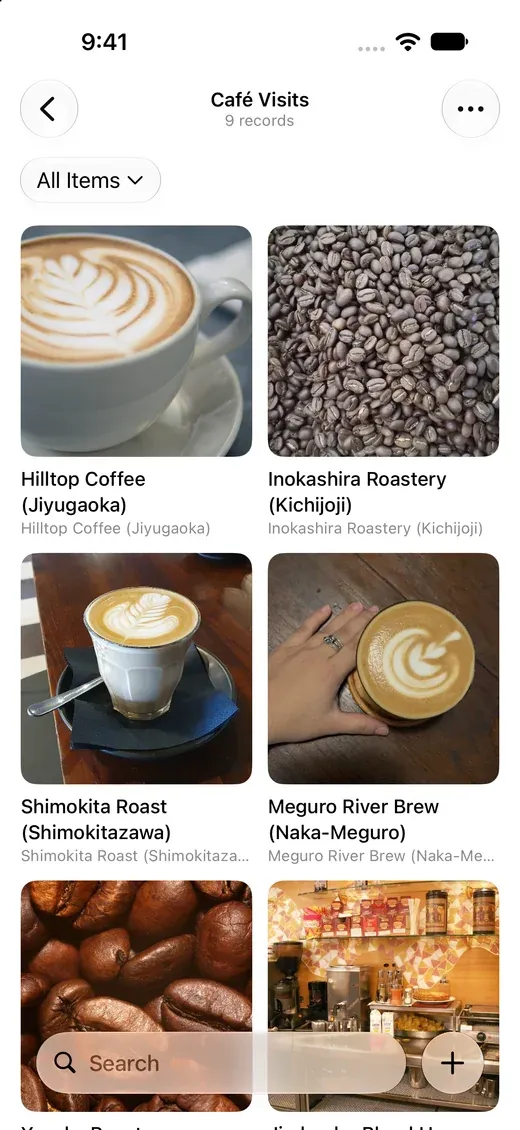
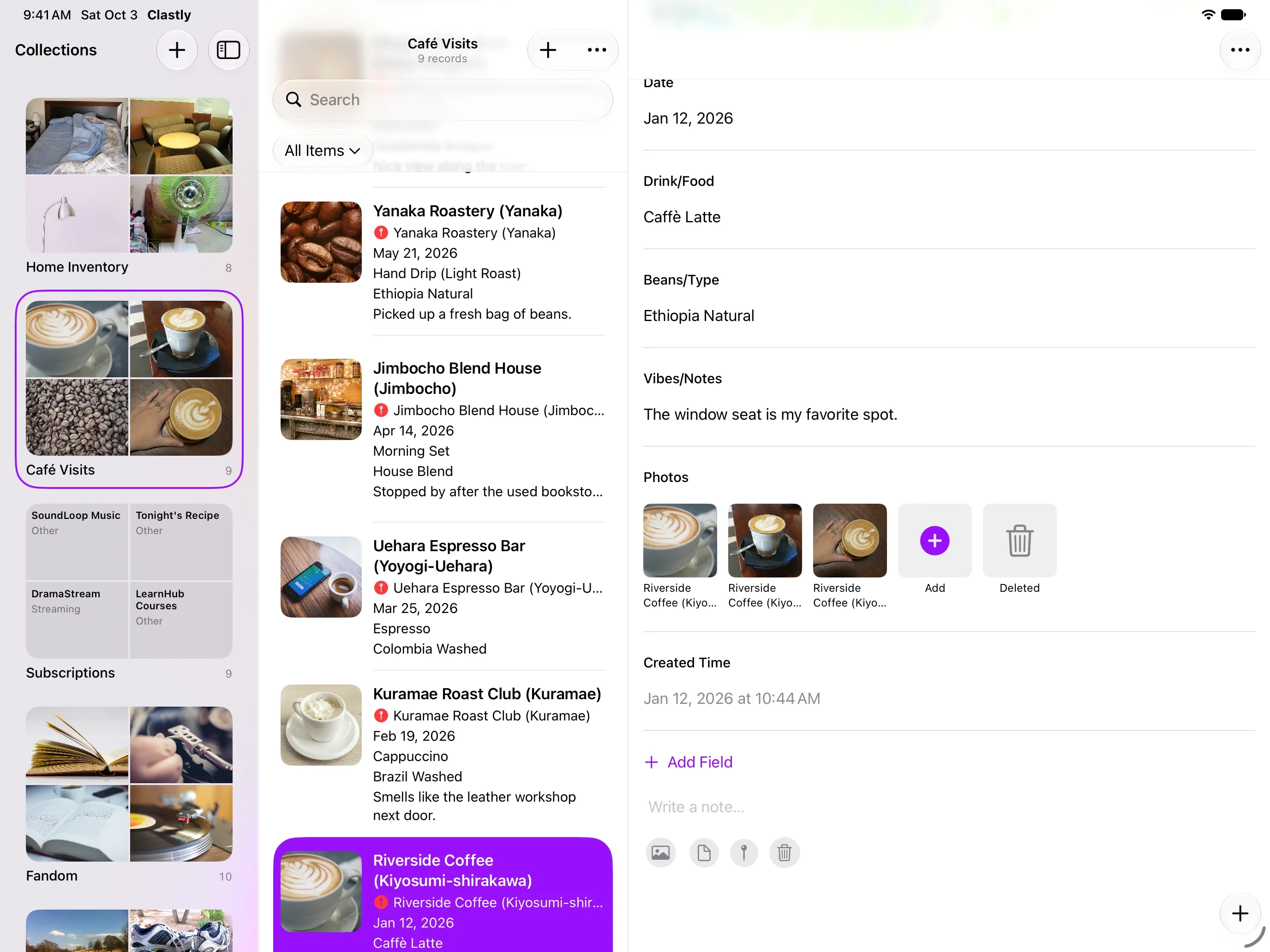
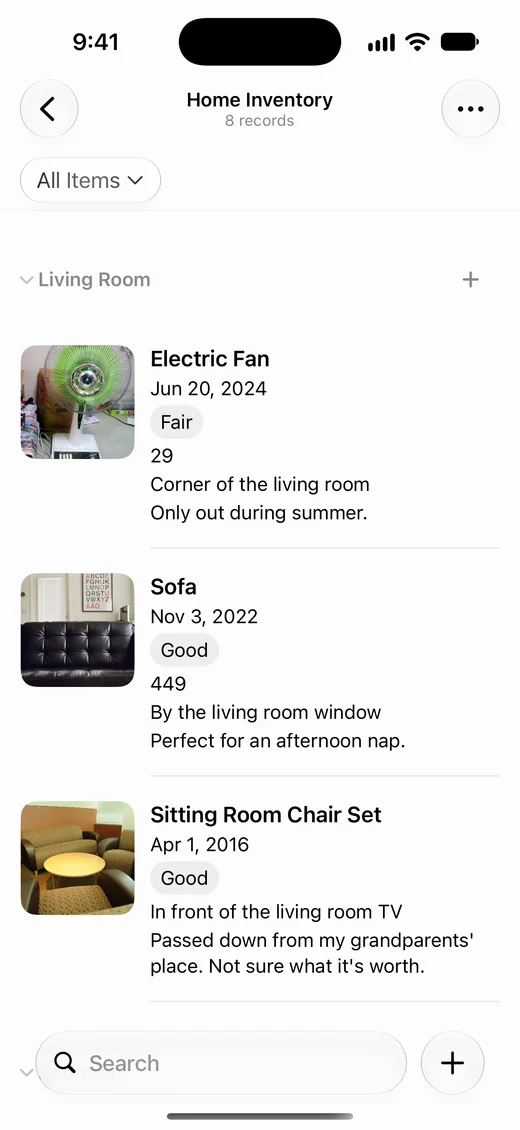
Add on iPhone, browse on iPad
Records you add on iPhone appear on iPad signed in to the same Apple Account. Fields and view settings sync too.
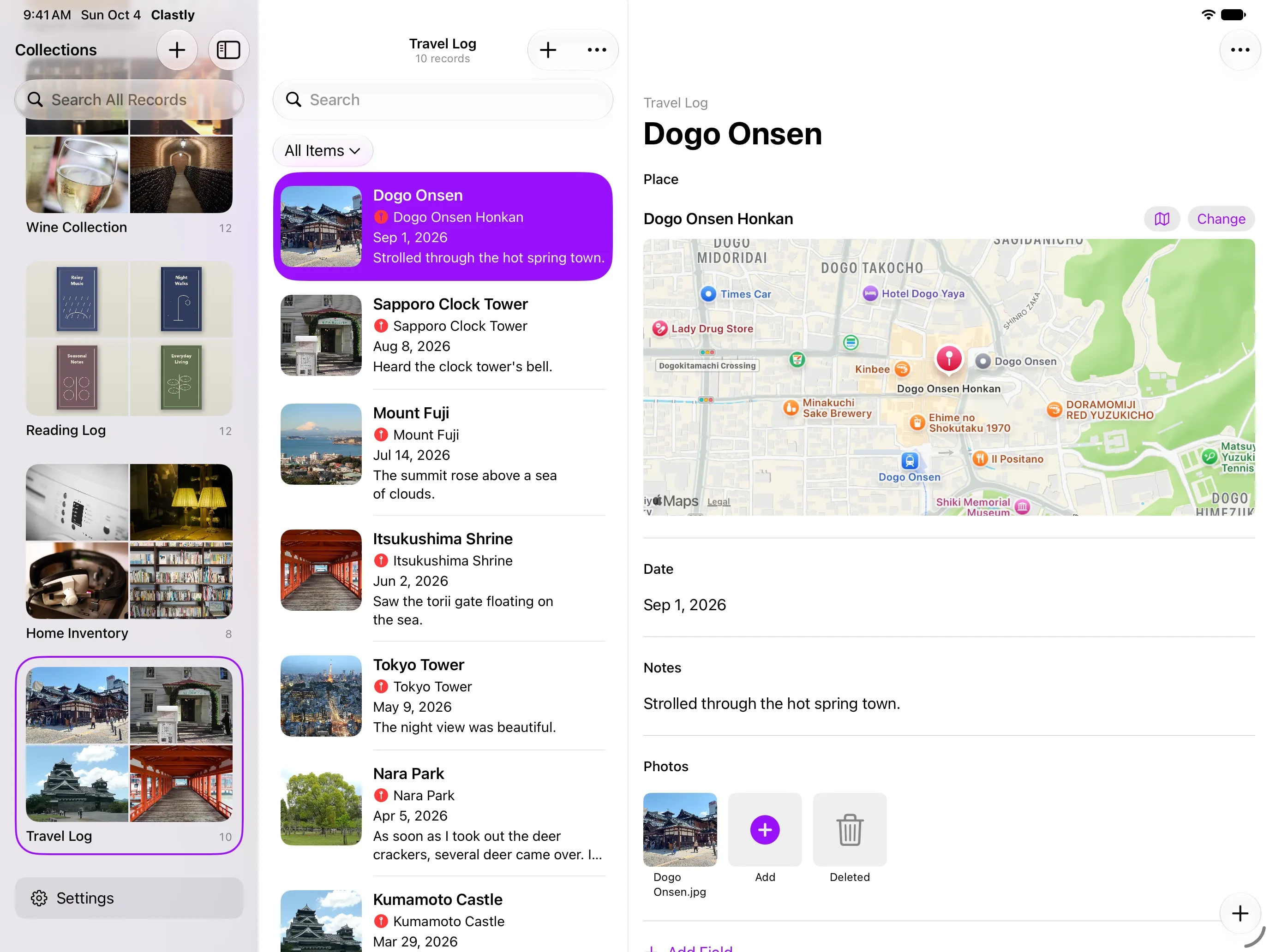
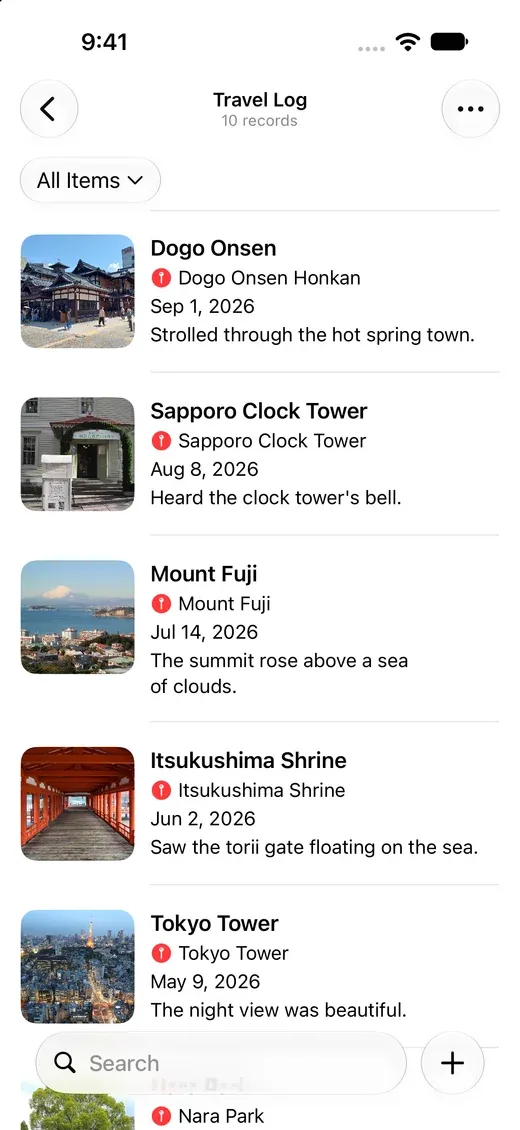
No account needed
There’s no email or password to set up. Your data syncs automatically through the iCloud account you’re signed in to.
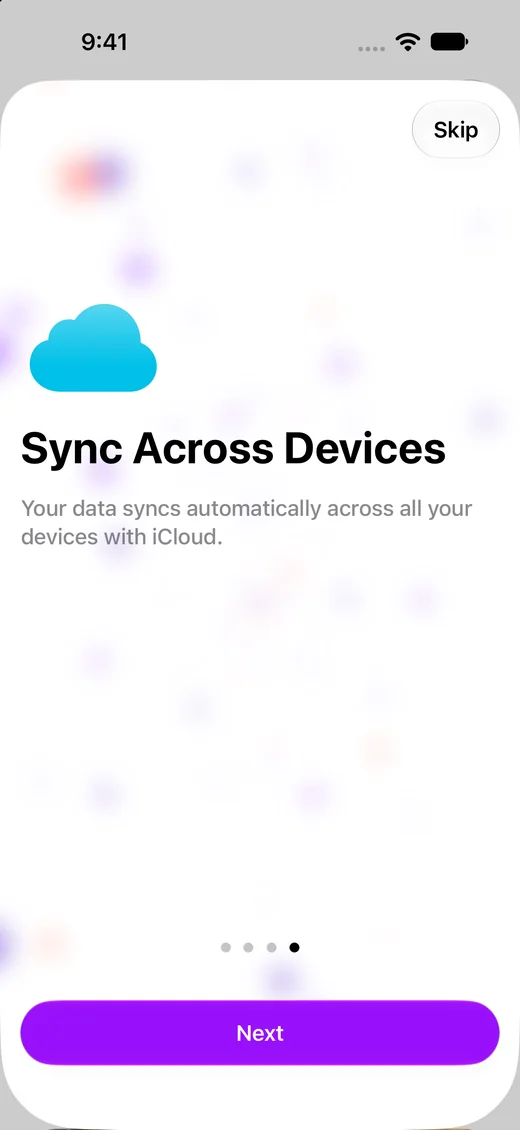
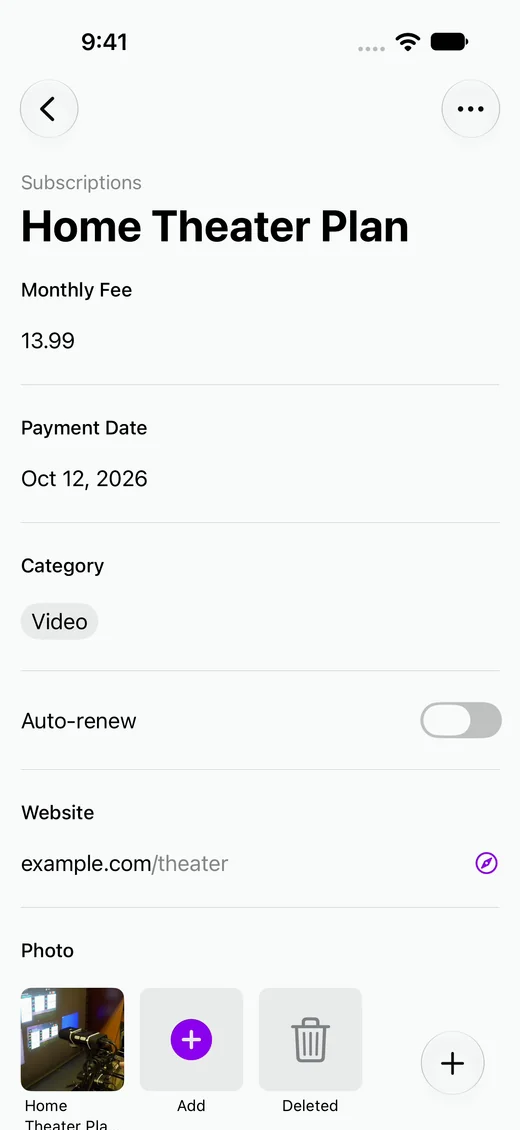
Sync photos and PDFs too
Photos, videos, PDFs, and other files attached to records sync as well.
Frequently asked questions
- Can I use Clastly offline?
- Yes. You can view, add, and edit records offline. Changes sync when you’re connected again.
- Where is my data stored?
- On your device and in your own iCloud account. It isn’t stored on the developer’s servers.
- Do photos use my iCloud storage?
- Yes. Attached photos and files are stored in your iCloud account and count toward its storage.