Add records from the Lock Screen or Control Center
Updated:
Add Quick Add to the Lock Screen or Control Center to create records from there. Quick Add opens the screen for adding a record to a collection you chose in advance.
Create the destination collection in Clastly first. For the Home Screen, follow Add a widget to the Home Screen and choose Quick Add.
Add Quick Add to the Lock Screen
- Customize the Lock Screen on iPhone or iPad and open the widget picker.
- Add Clastly’s Quick Add. It supports a circular widget.
- Choose a Collection in the widget settings and finish customizing.
Open Collection is a rectangular widget that displays a collection. To open the add-record screen, choose Quick Add.
Add Quick Add to Control Center
- Edit Control Center and open the control picker.
- Add Clastly’s Quick Add.
- Choose a Collection in the control settings.
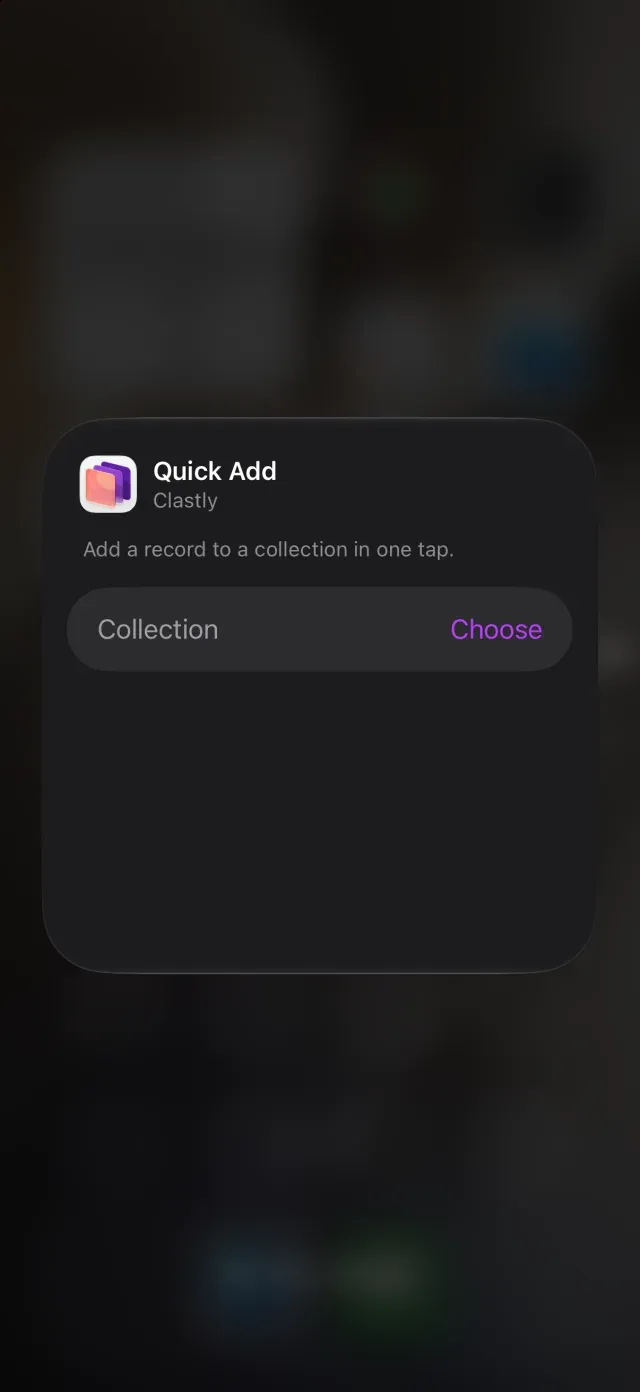
Tap Quick Add to open a new record in the selected collection in Clastly. Enter the title and fields in Clastly. If the destination is wrong, choose the collection again in the widget or control settings. For entering record values, see Add and edit records.
Was this article helpful?
Choose a reason
Thank you for your feedback.
If you still need help, use the contact form.