Restore purchases
Updated:
Restore purchases to recheck your Apple Account purchases and refresh your Clastly Pro access.
Check which Apple Account you used for the purchase and connect your iPhone or iPad to the internet. Restoring purchases is separate from restoring collections or records from a backup.
Restore in Settings
- Tap Settings at the bottom of the collection list.
- Tap Clastly Pro.
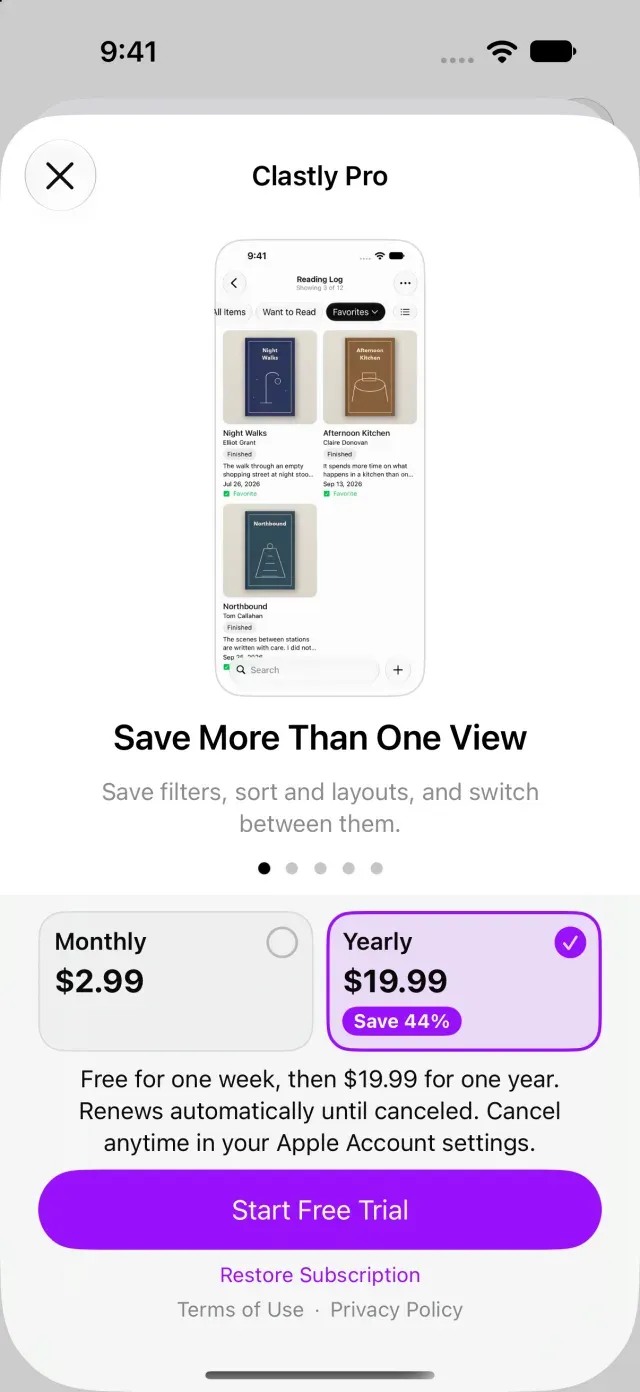
- Tap Restore Subscription at the bottom of the screen. If your plan and subscription status appear instead, tap Restore Purchases.
- Wait for the restore to finish.
Find out why no active subscription was found
If no active subscription is found or restoration fails, an explanation appears under Subscription Status. If you can’t restore, see Clastly Pro features aren’t available after purchase. To review your subscription, see Cancel or change your subscription.
Was this article helpful?
Choose a reason
Thank you for your feedback.
If you still need help, use the contact form.